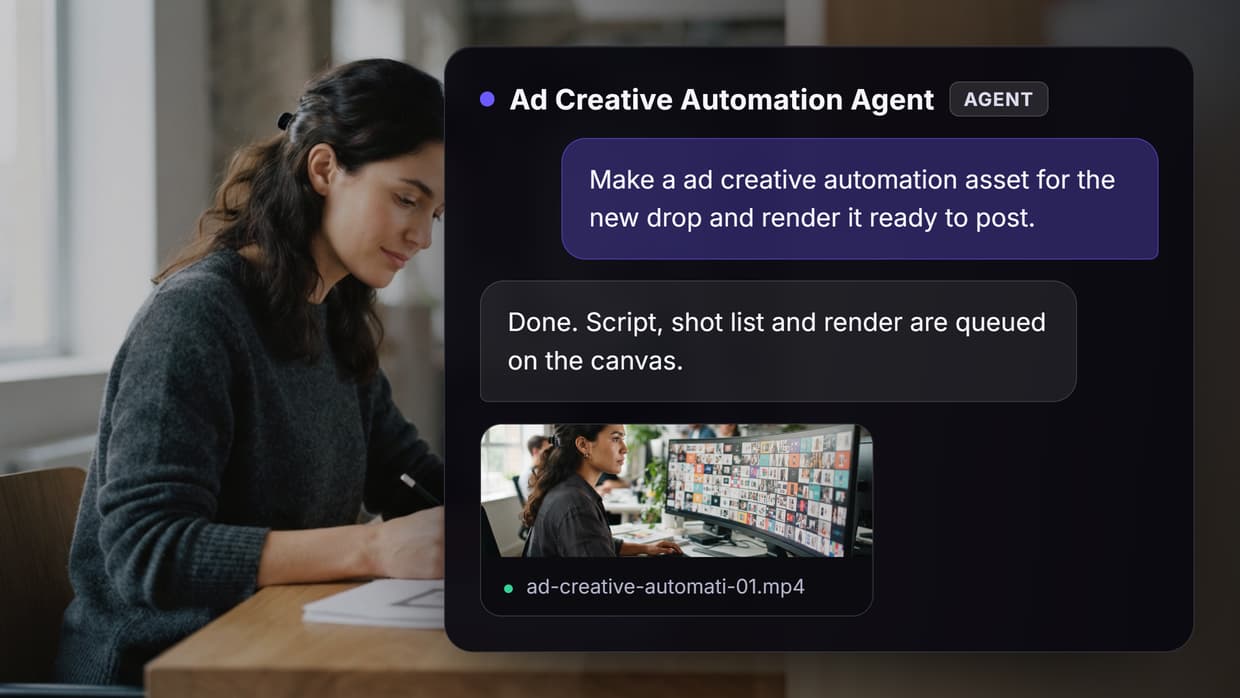
Ad creative automation tools turn one brief into dozens of sized, versioned ad assets without a designer touching each file. This guide ranks eight platforms used by performance teams in 2026, from template-driven banner engines to multi-model canvases like Wireflow, and explains which type fits feed-driven catalogs, UGC video, and high-volume static testing.
Quick Summary
- Wireflow: Best overall, chains image, video, and copy models in one canvas
- AdCreative.ai: Best for fast performance statics
- Creatify: Best for AI UGC video ads
- Creatopy: Best for display banner sets
- Smartly: Best for enterprise feed-driven campaigns
- Canva Magic Studio: Best design-led option for small teams
- Bannerbear: Best API-first automation for developers
- Omneky: Best for creative testing tied to ad performance
How These Tools Were Ranked
Creative automation covers three jobs that rarely live in the same product: generating the asset, resizing and versioning it, and pushing it to the ad platform. Tools that only resize an existing master file automate the cheapest part of the job, while tools that generate net-new concepts automate the part that actually limits ad creative testing at scale.
The ranking weighs four things: variants produced per brief, whether video is a first-class output, whether there is an API for scheduled or triggered runs, and how the tool handles a mid-campaign brand change. Teams running paid social usually need all four, which is why single-purpose resizers score lower than platforms that also scale ad creative production across formats.
One more filter: pricing transparency. Several platforms here quote only on a sales call, which makes them impractical for a team of three, so public prices are listed and quote-only is labeled as such rather than guessed at, the same approach used in our creative workflow automation guides.
1. Wireflow: Best Overall
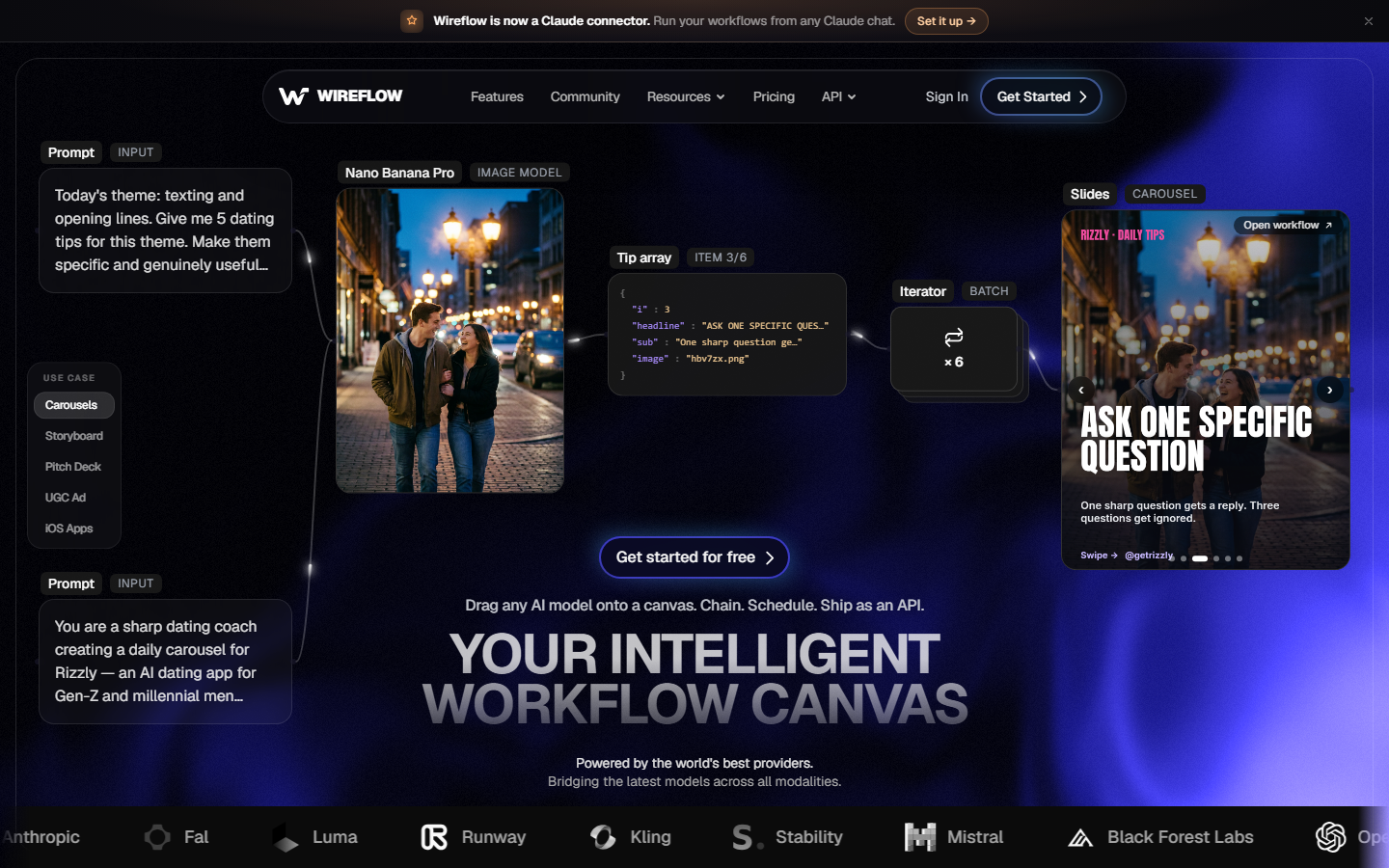
Wireflow is a node-based canvas where each node is a model call and the connections between them are the pipeline. One flow can take a product photo, generate five key visuals, animate the two best into short clips, and write matching hook copy in a single run. That is the difference between automating layout and automating the creative itself, which suits teams already trying to build multi-model AI workflows.
The practical advantage is model choice. Because nodes wrap the underlying models rather than hiding them, a flow can use one vendor for product renders and another for motion, then swap either without rebuilding the pipeline. Flows run on demand, on a schedule, or via API.
Best for: performance teams and agencies producing statics and video for several brands at once. Watch for: the canvas rewards a few minutes of setup; there is no one-click template that skips the wiring.
2. AdCreative.ai: Best for Fast Performance Statics
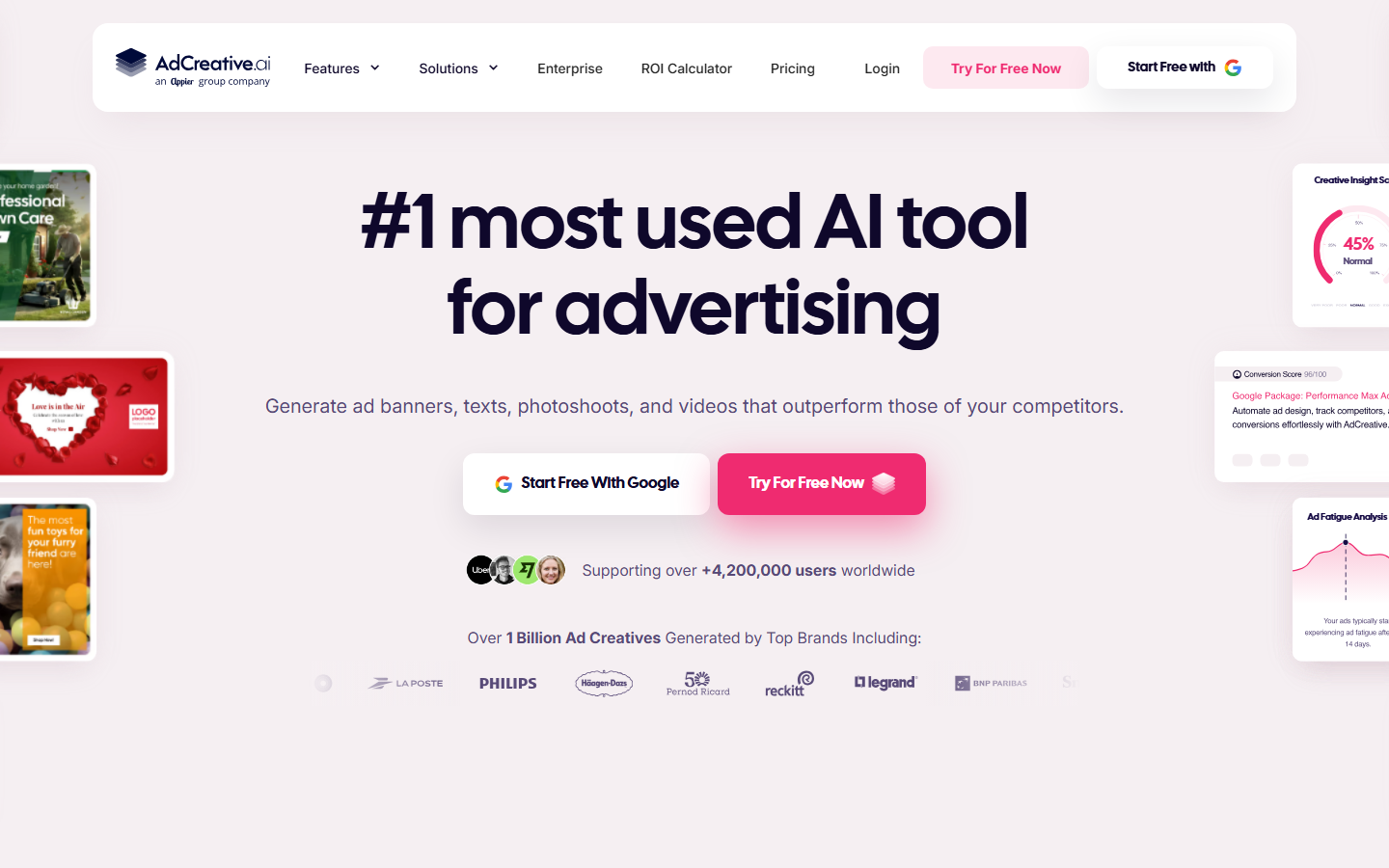
AdCreative.ai generates banner and social ad statics from a brand kit, then scores each output against historical performance data so the highest-scoring variants surface first. It is the fastest path from logo and product URL to a folder of ready sizes, and it fits teams that mostly need volume in paid social statics rather than bespoke art direction.
The scoring model is both the differentiator and the limitation. Predictions are directional, not a substitute for live testing, and outputs converge on a recognizable house style after a few hundred assets. Video is lighter than the static engine, so most users pair it with a dedicated video tool when building AI generated ads.
Best for: in-house teams shipping weekly static tests on Meta and Google. Watch for: creative sameness at high volume; rotate concepts manually.
3. Creatify: Best for AI UGC Video Ads
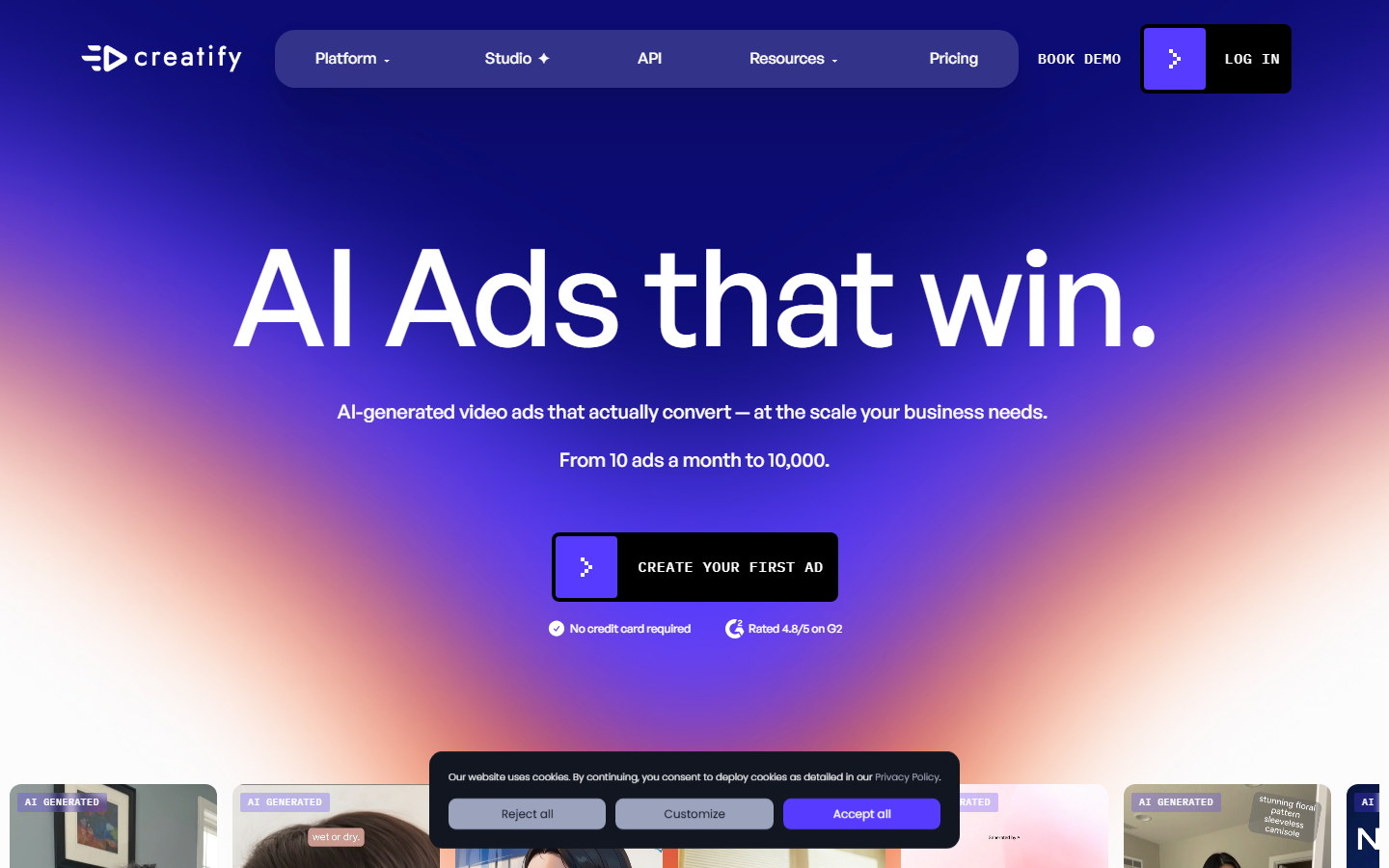
Creatify converts a product URL into UGC-style video ads with an AI presenter, script, captions, and a hook variant set. For direct response advertisers who have learned that a talking-head opener outperforms a polished brand film, it removes the casting and scheduling overhead entirely.
Output quality depends heavily on the script, so teams that feed in their own hooks get noticeably better results than those accepting the defaults. Avatar realism still reads as synthetic on close inspection, which matters less on a three-second scroll than in a brand film. It fits a broader plan to mass produce UGC ads.
Best for: DTC advertisers testing hook variations at volume. Watch for: avatar and voice licensing terms if you plan to run the same face for months.
4. Creatopy: Best for Display Banner Sets
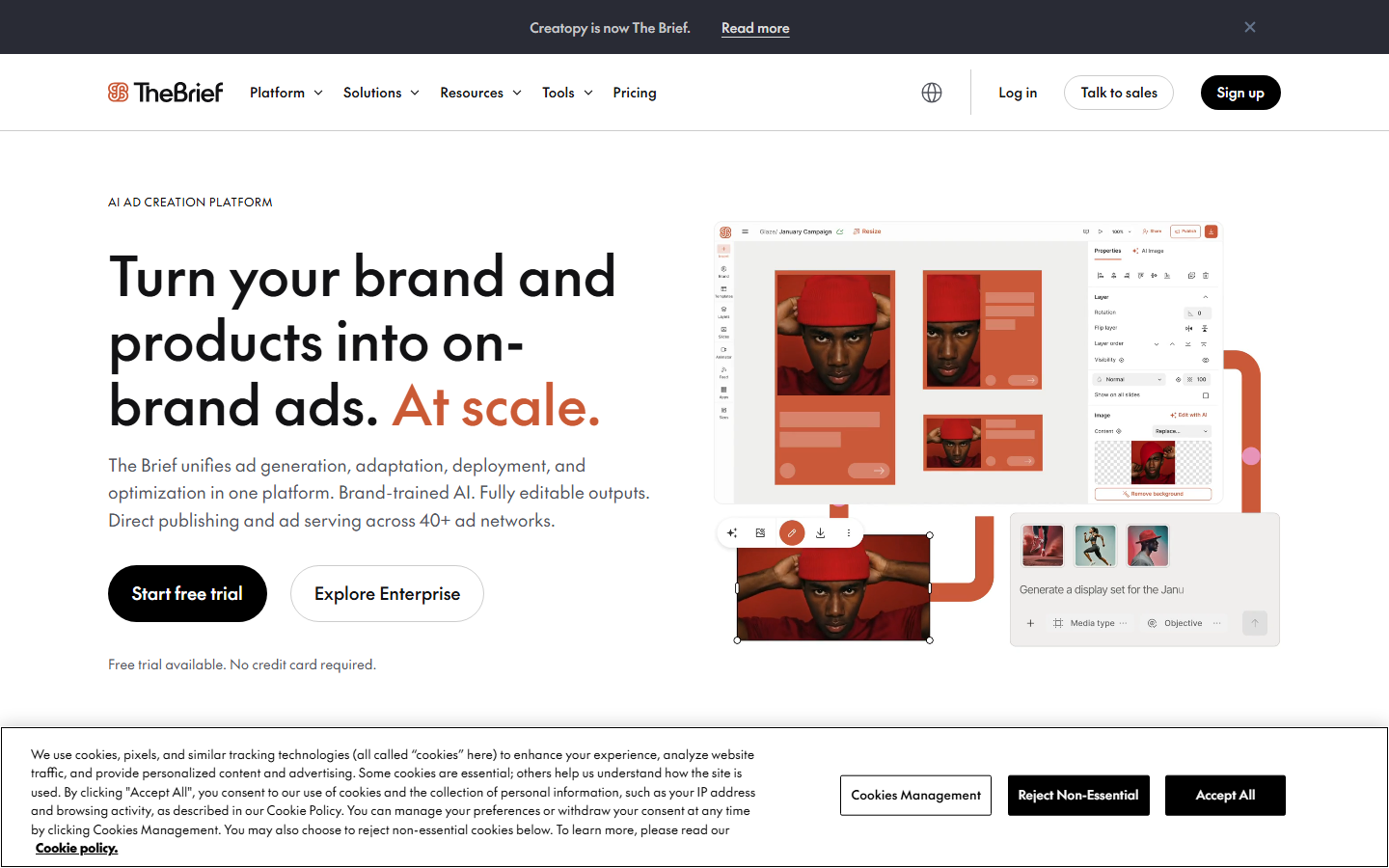
Creatopy is built around the display network problem: one concept, thirty required sizes, animated and static, all brand-locked. Its auto-resize and brand kit enforcement handle that reliably, and the animation timeline gives more control than most template tools offer.
Where it is weaker is generation. Creatopy expects you to arrive with a concept and assets; it automates production, not ideation. Teams pair it with an image generator upstream, a pattern that also appears when people create social media banners with AI before handing files to a resizer.
Best for: agencies delivering full display banner sets to client specs. Watch for: limited net-new concept generation; it is a production tool.
5. Smartly: Best for Enterprise Feed-Driven Campaigns
Smartly connects dynamic creative templates directly to product feeds, so a catalog of ten thousand SKUs becomes ten thousand personalized ads that update when price or stock changes. It also handles media buying, which is the real reason large advertisers adopt it: creative and delivery sit in one system.
This is enterprise software with enterprise commitments: quote-based pricing tied to ad spend, onboarding measured in weeks, and value that only appears at catalog scale. A team running five evergreen creatives will not recover the overhead, though a retailer running seasonal refreshes will, much like teams that formalize multi-client video workflow management.
Best for: retail and travel advertisers with large, changing catalogs. Watch for: spend-linked pricing and a long implementation runway.
6. Canva Magic Studio: Best Design-Led Option for Small Teams
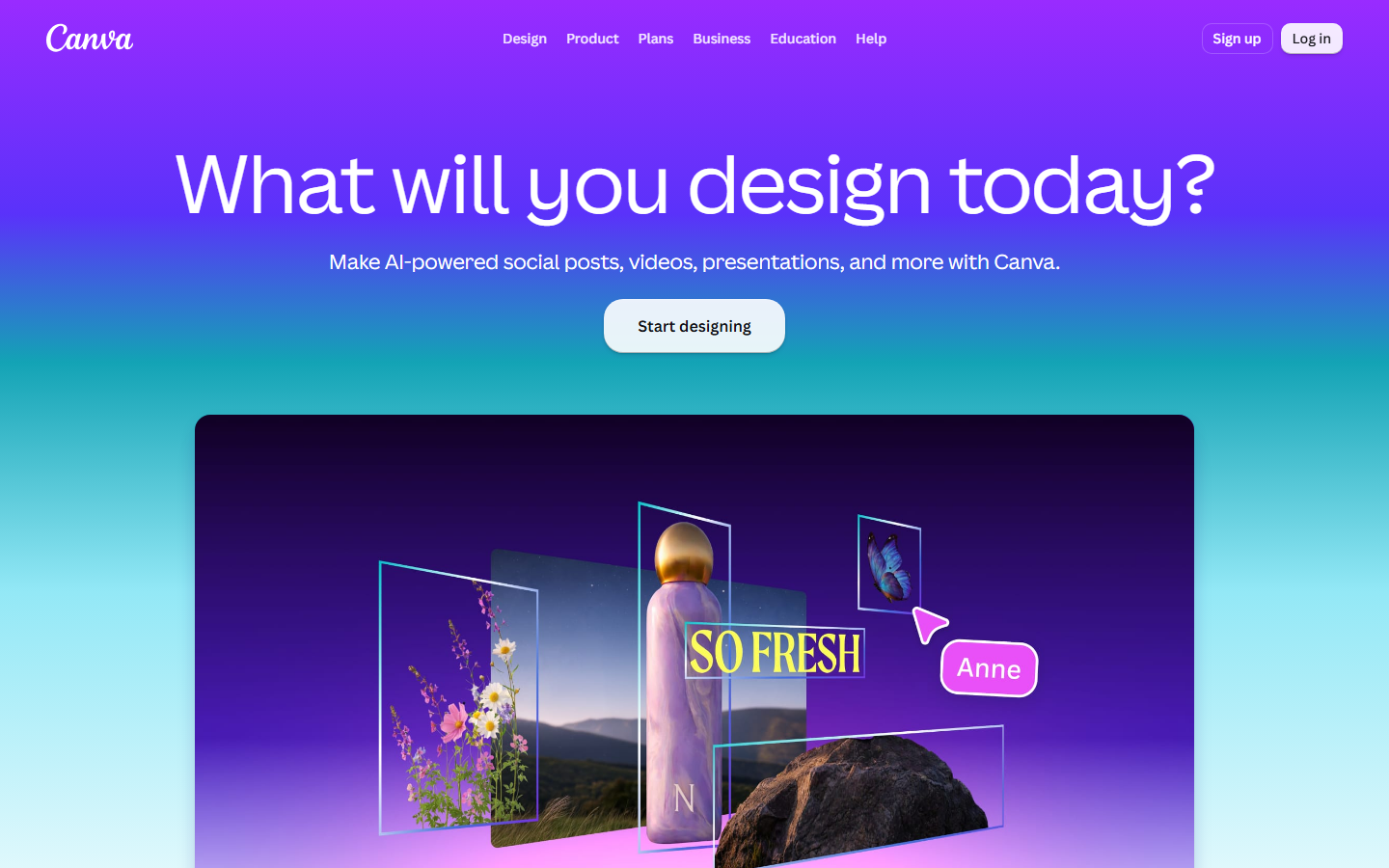
Canva added generation and bulk resize on top of the editor most marketing teams already know, which makes it the lowest-friction entry point on this list. Bulk Create pulls rows from a spreadsheet into a template, covering a large share of routine localization and offer-swap work without any new tooling.
The ceiling is automation depth: no branching logic, no conditional output, no model chaining, and limited scheduled generation compared with API-first options. For a two-person team producing a few dozen assets a week it is more than enough, and it pairs well with a documented process for automating brand content creation.
Best for: small marketing teams already standardized on Canva. Watch for: shallow automation once volume passes a few hundred assets a month.
7. Bannerbear: Best API-First Automation for Developers
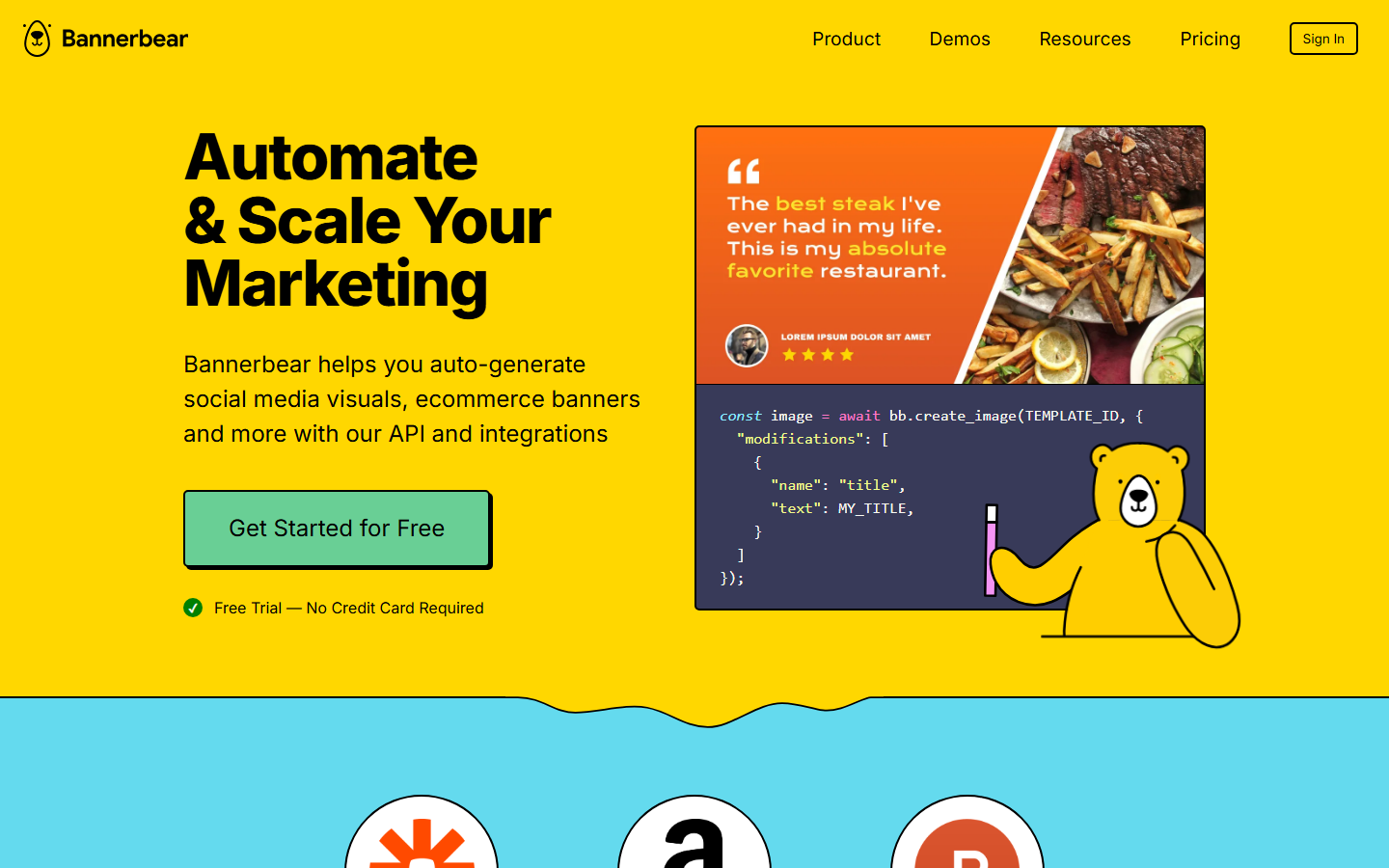
Bannerbear is a generation API rather than an app: you define a template, POST data to an endpoint, and get back a rendered image or short video. That makes it the right choice when creative generation needs to be triggered by something else, such as a new CMS entry, a signup, or a nightly job.
It assumes engineering time: there is no self-serve interface for a marketer, and every new creative direction starts as a template build. The payoff is reliability and unit cost at volume, the same tradeoff teams weigh when they run batch image generation via API.
Best for: product and growth engineering teams embedding creative generation in a system. Watch for: developer dependency for every template change.
8. Omneky: Best for Creative Testing Tied to Performance
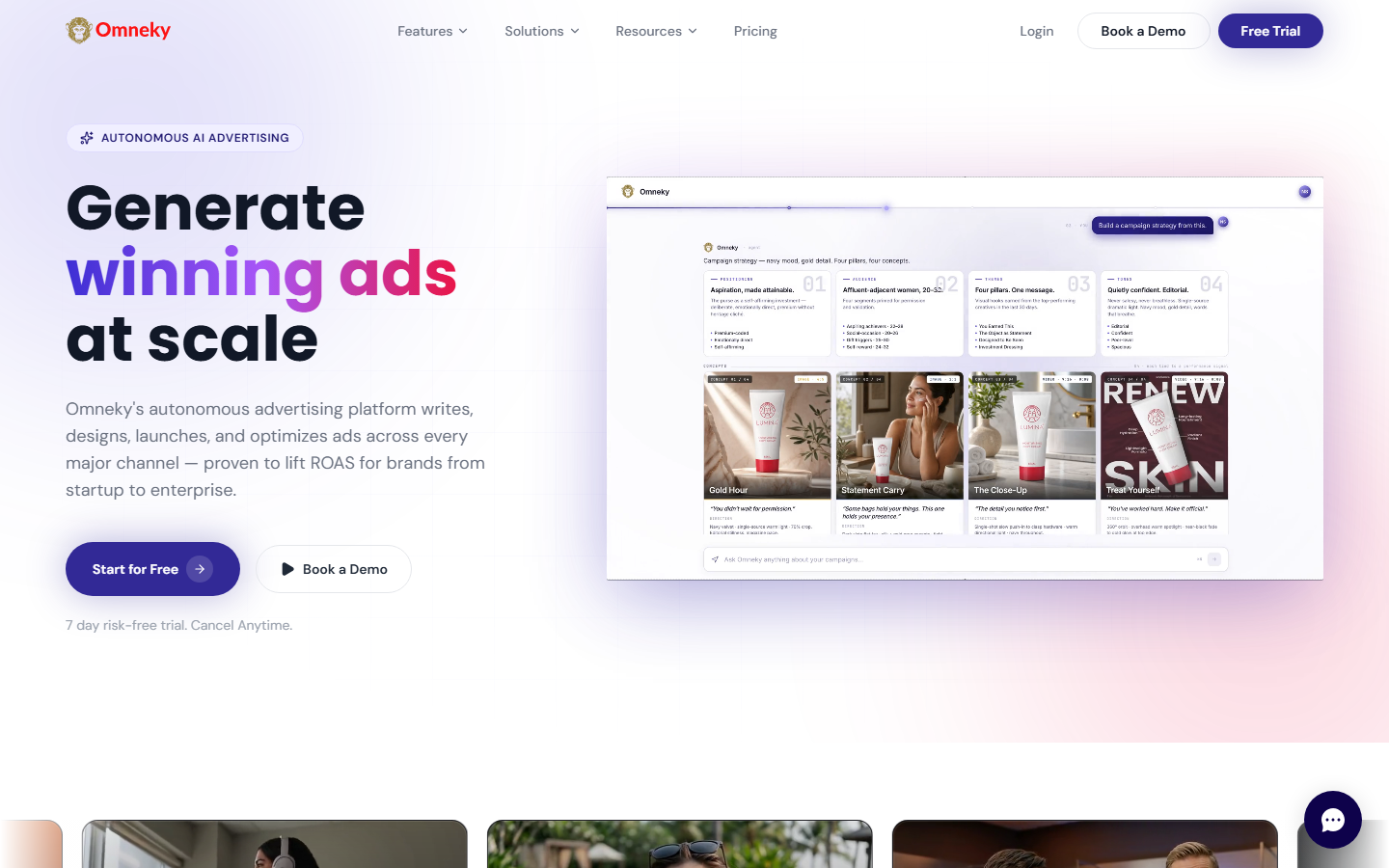
Omneky closes the loop between generation and results by ingesting ad account data, identifying which creative attributes are working, and generating the next round against those signals. For advertisers whose bottleneck is deciding what to make next rather than making it, that feedback loop is the product.
Onboarding and ad account connection are required before the loop produces anything useful, and pricing is quoted rather than published. Smaller accounts often lack the conversion volume for the attribute analysis to be meaningful, a general caution when evaluating agentic advertising tools.
Best for: advertisers spending enough monthly for creative attribution to be reliable. Watch for: data volume requirements and quote-based pricing.
Comparison Table
| Tool | Best for | Video output | API / triggers | Pricing |
|---|---|---|---|---|
| Wireflow | Multi-model creative pipelines | Yes, first-class | Yes | Public, usage-based |
| AdCreative.ai | Fast performance statics | Limited | Yes | Public subscription |
| Creatify | UGC-style video ads | Yes, core product | Yes | Public subscription |
| Creatopy | Display banner sets | Animated banners | Yes | Public subscription |
| Smartly | Feed-driven catalog ads | Yes | Yes | Quote only |
| Canva Magic Studio | Design-led small teams | Basic | Limited | Public subscription |
| Bannerbear | Developer-triggered generation | Short video | API-only | Public, usage-based |
| Omneky | Performance-informed testing | Yes | Yes | Quote only |
Choosing Between Them
The decision comes down to where the bottleneck sits. If it is production, meaning the concept exists but the sizes do not, a template engine like Creatopy or Canva solves it cheaply. If it is concepting, meaning you run out of ideas before budget, only the generative platforms help, and the same logic applies when picking between AI ad makers.
Teams needing statics and video from one brief do better with a canvas that chains models end to end, which is close to how agencies handle UGC video automation today.
Try it yourself: Open the ad variant workflow in Wireflow. The nodes are pre-configured to take one ad brief, produce a key visual, and animate it into a short video ad variant.
FAQ
What is ad creative automation? Ad creative automation is the use of software to produce, version, and deliver ad assets from a single brief or data source instead of building each asset by hand. It covers generation, resizing, brand enforcement, and in some tools, delivery to the ad platform.
What is the best ad creative automation tool in 2026? For teams needing both static and video output from one brief, Wireflow ranks first because it chains multiple models in a single pipeline. For static-only testing, AdCreative.ai is the faster start, and for feed-driven catalog advertising at scale, Smartly is the established choice.
Can these tools generate video ads, not just banners? Some can. Creatify, Wireflow, Smartly, and Omneky treat video as a real output. Creatopy and Bannerbear produce short animated formats, and Canva's video features are basic compared with dedicated tools.
How much do ad creative automation tools cost? Public subscription tools run roughly 20 to 500 dollars per month depending on volume and seats. Smartly and Omneky quote on ad spend or contract size, usually well above that range.
Do I still need a designer? Yes, but the role shifts. Automation handles resizing, versioning, and first drafts; a designer sets the brand system, judges quality, and picks which concepts are worth scaling.
Is AI-generated ad creative allowed on Meta and Google? Yes. Both platforms allow AI-generated assets and ship their own generation features. Standard policies still apply on claims, likeness, and disclosure, and some regions require labeling for synthetic media depicting real people.
Can I connect these tools to my existing stack? Most offer an API or native ad-platform integrations. API-first options such as Bannerbear and node-based canvases are easiest to trigger from an existing system; editor-first tools usually need manual export or a third-party connector.
Conclusion
Ad creative automation in 2026 is no longer one category. Template engines solve production, generative platforms solve concepting, and feed-driven enterprise systems solve catalog personalization, so the right pick depends on which of those three problems is costing you the most right now. Name the bottleneck first, then choose the narrowest tool that removes it. Teams that need statics and video from the same brief should favor a pipeline that chains models end to end, since manual handoffs cap output more than any single model's quality does.
Would you rather we just built it?
We get on a call, learn your style, build the workflow, and ship the deliverables on a schedule. You keep the workflow either way.