 Andrew Adams · Co-Founder & Operations at Wireflow ·
 Google Ad Creative Generator
Most Google ad creative generators are a one-shot box: paste a URL or a prompt, get a picture and some copy.
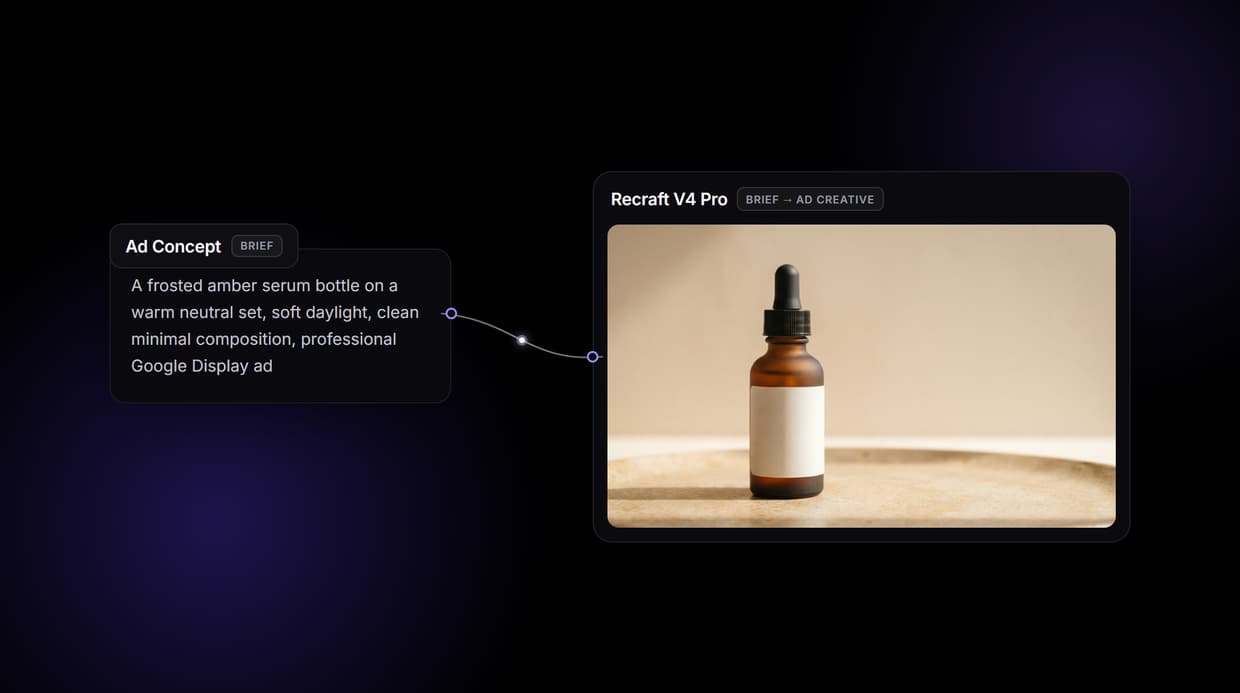
Wireflow makes the creative a node graph you own: a Text Input holds the brief, and Recraft V4 Pro renders a Display creative with a legible headline and clean composition. Free to build, pay per generation.
Free to build · no credit card · See how it works ↓
How to Use Google Ad Creative Generator
Steps to get you started in Wireflow.
Write the Google ad brief
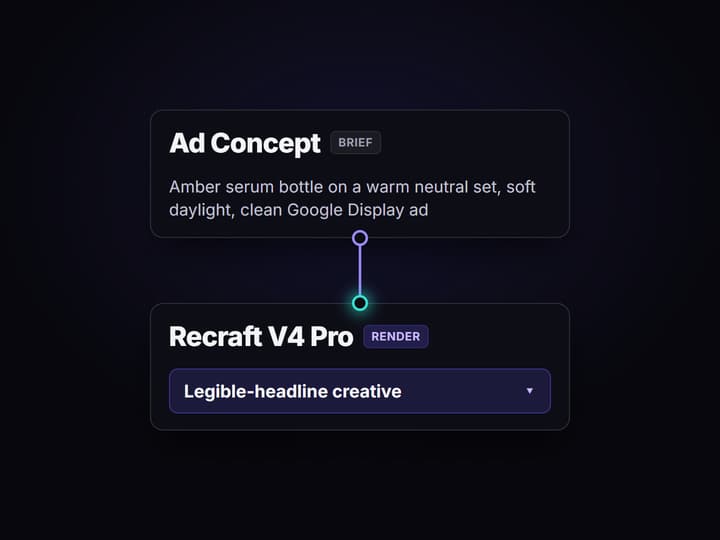
Open the flow and click the Text Input node called Ad Concept. One line covers it: the product, the composition, the lighting, and the style, for example a frosted amber serum bottle on a warm neutral set, soft daylight, clean Google Display ad.
Run the graph once
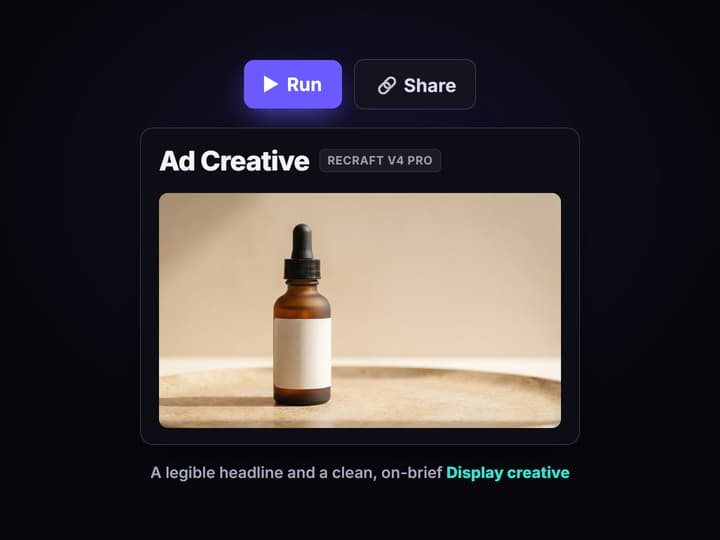
Recraft V4 Pro reads the brief and renders a Display creative with a legible headline and a clean composition. The output appears in the node editor in seconds, ready to download and upload to Google Ads.
Change the words, keep the pipeline
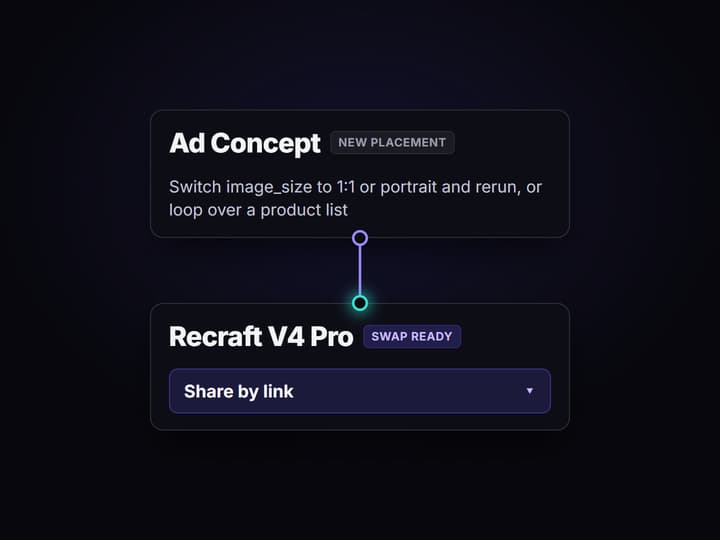
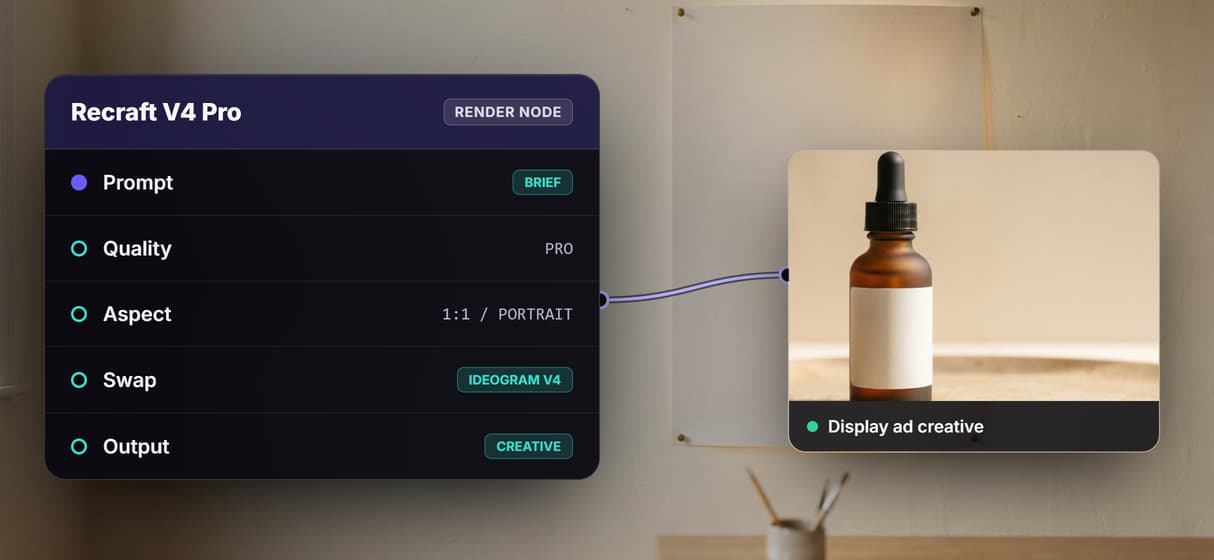
Edit the brief and run again for a new product, switch image_size to square 1:1 or portrait for Display placements, loop the graph over a product list for a batch, or swap the render node for another hosted model. Share the flow link and the whole team runs the same graph.
Why teams outgrow one-shot Google ad generators
Most Google ad creative generators do the same thing: paste a URL or type a prompt, get one picture and a few lines of copy. It works until the ad has to say something exact. The headline comes back with melted letters, the composition is off, and you cannot open the thing that made it, so you cannot fix the one part that went wrong. You can only reroll and hope, and every reroll is a fresh gamble on a black box.
Wireflow takes a different shape. A Google ad is a small workflow you own on a node canvas: a Text Input node holds the brief, and Recraft V4 Pro renders the creative because it can place a legible headline and hold a clean layout. It runs on hosted compute in the browser, nothing to install, and the same canvas drives every other AI generated ads job your team runs, from Display banners to product shots.
What the Google ad flow gives you
Brief intake
A Text Input node holds the product, composition, lighting, and style. Change the words and rerun; the graph never moves.
Design-quality render
Recraft V4 Pro renders the creative with a legible headline and a clean, on-brief composition built for the Display network.
Every placement
Switch image_size to square 1:1 or portrait and rerun for Display placements; one flow covers the sizes you need.
Swap the render model
Ideogram V4 and Flux 2 are swappable nodes when an ad needs a different type style or a photoreal product shot.
Add an upscale hop
Chain a Recraft or Topaz upscaler after the render when a creative has to go to high resolution.
Rerun and share
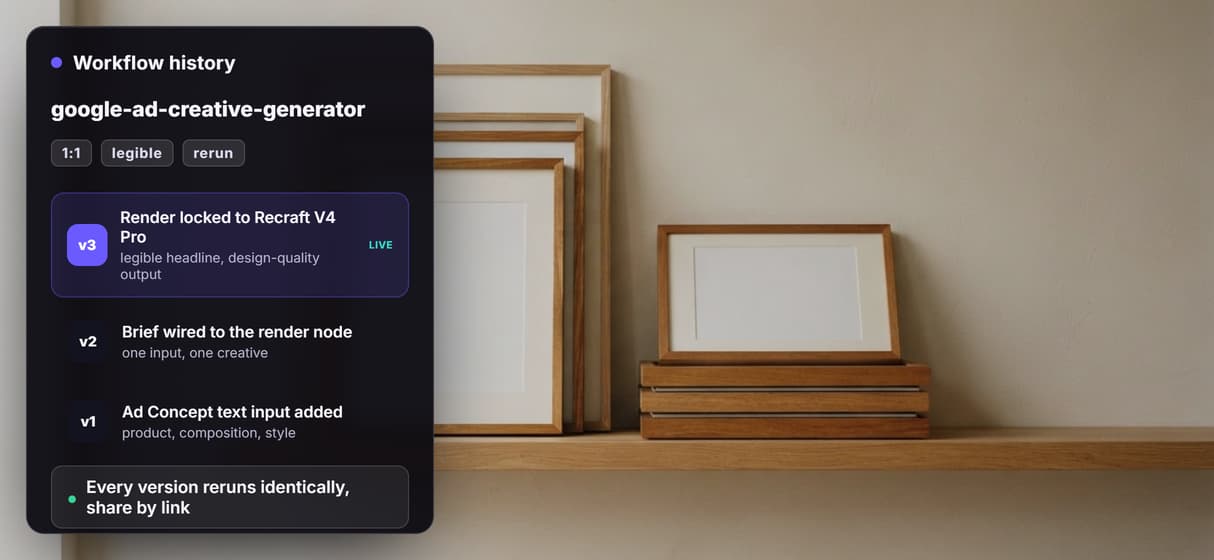
Workflows are versioned and shareable by link; the fiftieth run comes out identical to the first.
How the Google ad graph actually runs
The workflow behind this page's button is deliberately small: two nodes and one wire.
- Text Input holds the brief. One line about the product, composition, lighting, and style is enough, and a first run walks straight through it.
- Recraft V4 Pro renders the creative. The brief becomes a landscape Display creative with a legible headline and a clean layout, because this model can place readable type instead of decorative smudges.
That is the whole shipped flow, and it is honest about it: there is no hidden copywriter node writing your headline text, no keyword targeting, and no batch engine fanning out placements on its own. What you get instead is a graph you can extend: rerun for a new product, switch the render node's image_size to a square 1:1 or portrait Display aspect, loop over a product list, swap in a background changer or an upscale hop, all on the same canvas without leaving the browser.
When a template ad maker is the right call
If you want to paste a product URL and have a tool write your headlines and descriptions, drag a text box two pixels left, and nudge every element on a fixed canvas, a dedicated Google ad copy tool or a drag and drop editor is built for exactly that, and this page will not pretend otherwise. Wireflow renders the creative from the brief you write; it does not generate your ad copy, it does not give you a manual layout editor inside the tool, and it does not publish to Google Ads, target keywords, or report on performance.
Wireflow is the generation layer, not a full ad platform: you supply the headline words in the brief, brand colors and fonts go in the brief each run, and pixel perfect kerning for large print still favors a vector tool. What it offers instead is ownership of the pipeline, design-quality renders from Recraft V4 Pro, and per generation pricing. If ad creative is one output of a bigger content machine, build here, and pair the flow with an AI art generator when a campaign needs a wider visual range.
More Than Just Google Ad Creative Generator
An ad pipeline you own, not a template slot
A Google ad is a small node graph here, not a locked template: brief in, creative out, every hop open to rewire like any AI image generator canvas.
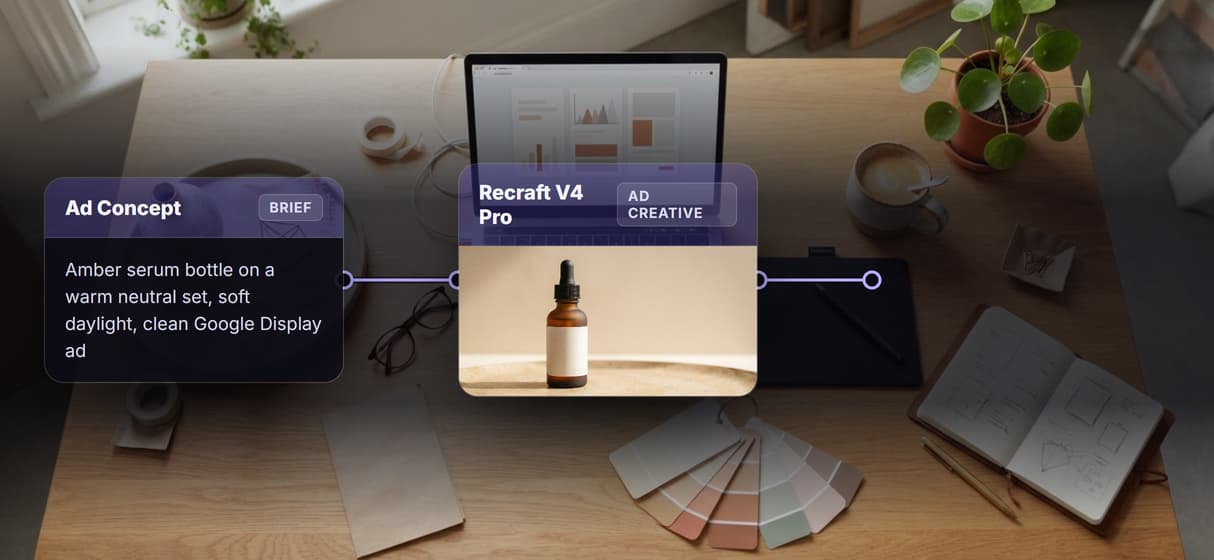
Legible headlines, because the render is Recraft V4 Pro
The render node is Recraft V4 Pro, picked for strong text, so a Google Display headline reads clearly, not the smudged lettering default models produce.
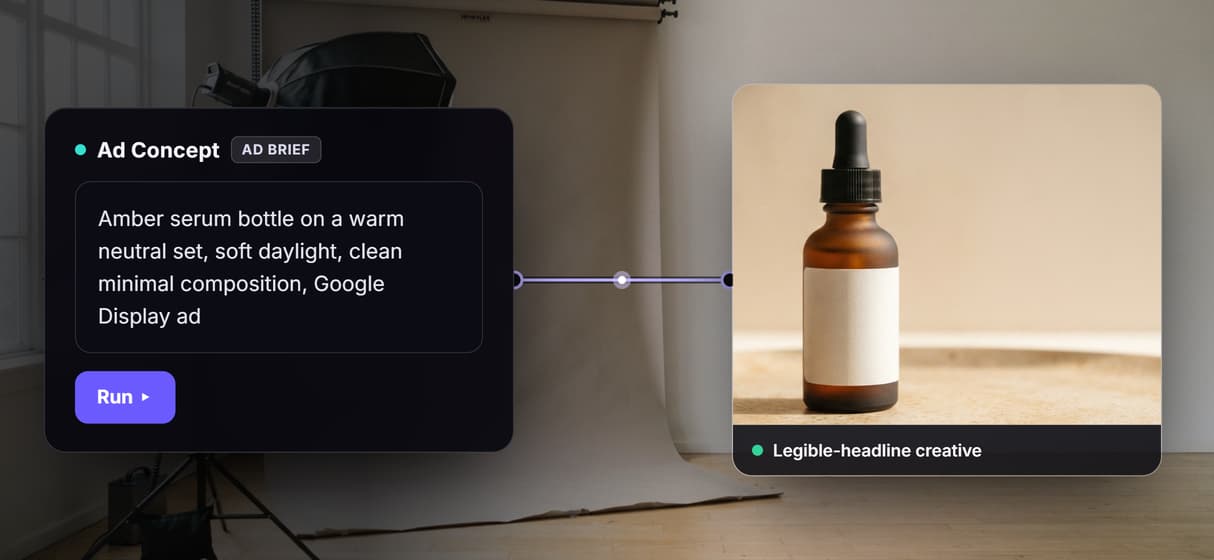
One brief, every Display placement and product
Switch image_size to square 1:1 or portrait and rerun for Display placements, or loop the graph over a product list to batch a campaign from one flow.
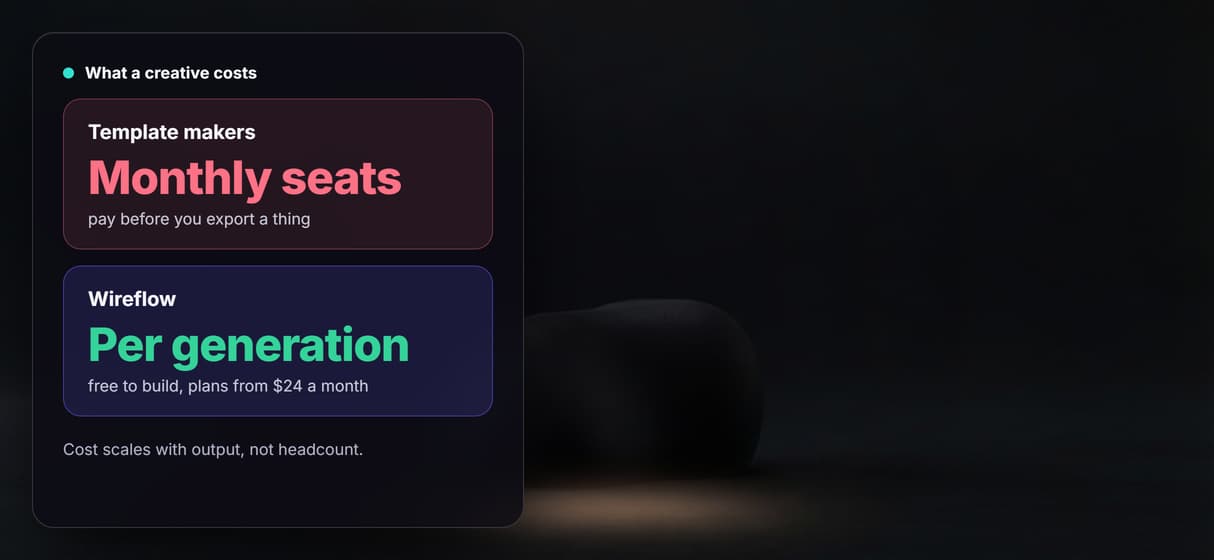
Per generation pricing, not a monthly seat
Building on the canvas is free and you pay per generation, so ten teammates editing this ad flow cost no more than one, with flat plans from $24 a month.
Reruns are identical, and it is an API and MCP tool
Runs are versioned and shareable by link, so your fiftieth creative matches your first, and the published flow is also a REST endpoint and MCP tool.
Build Any AI Workflow
AI Models Integrated
Full Commercial License
FAQs
A Google ad creative generator turns a short text brief into a finished ad image for the Search, Display, or Demand Gen network. Wireflow does this as a node graph: a Text Input holds the product and style, and Recraft V4 Pro renders the creative. You can open every node, rewire it, and rerun it.
Discover related AI tools
- AI Image Upscaler: Upscale to 4K in a Visual Workflow
- AI Background Remover
- AI Image Generator: Flow-Based Canvas, 31 Models
- ComfyUI Alternative
- AI Face Swap Online: Photos and Video in Your Browser
- Virtual Try On
- AI Thumbnail Generator
- AI Photo Generator
- AI Image Editor
- AI Art Generator
- Midjourney Alternative
- AI Headshot Generator
More From Wireflow
Written by
Andrew Adams · Co-Founder & Operations at Wireflow
Runs client operations and content strategy at Wireflow. Works directly with creative teams and agencies to build production AI workflows.
Own the Google ad pipeline, not a prompt box
Open the flow, type your product, composition, and style, and run it: a Display creative from one graph. Building is free; you pay per generation.