 Andrew Adams · Co-Founder & Operations at Wireflow ·
 AI Generated Ads
AI generated ads usually come out of a fixed template, one look for everyone.
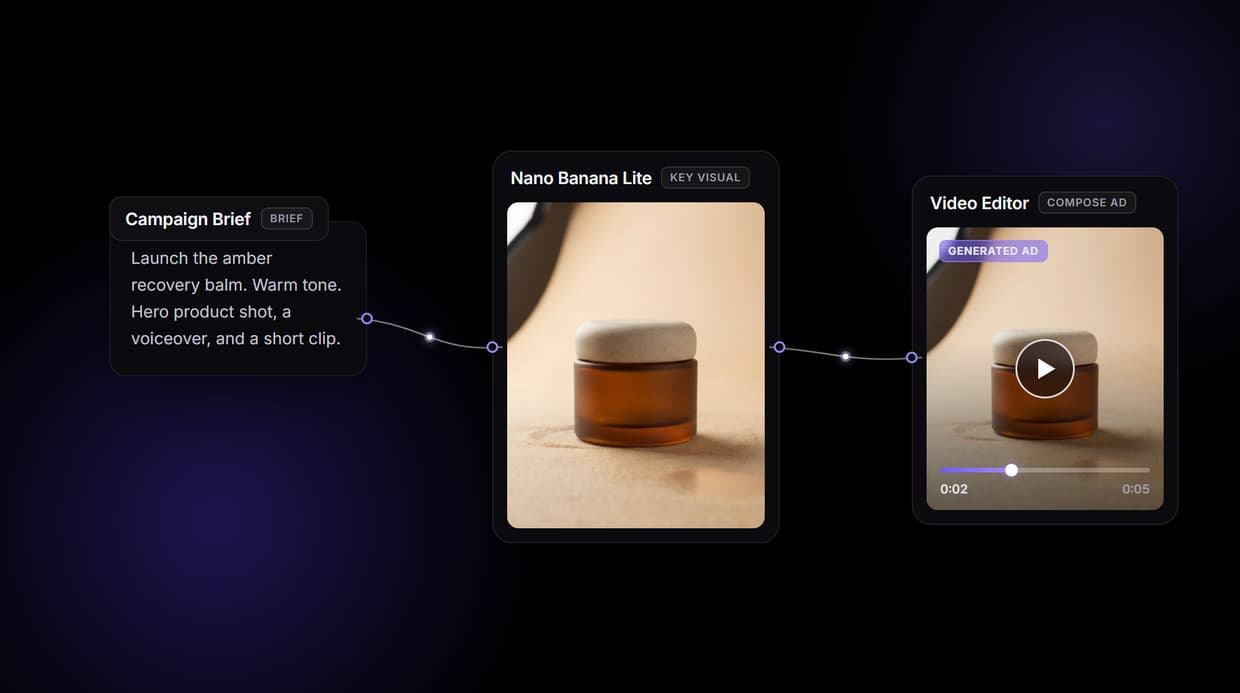
Wireflow generates them from a workflow you own on a node canvas: one brief becomes a hero product shot and a lifestyle scene with Nano Banana Lite, an ElevenLabs voiceover, and a Seedance clip the Video Editor cuts into a finished ad. Free to build, pay per generation.
Free to build · no credit card · See how it works ↓
How to Use AI Generated Ads
Steps to get you started in Wireflow.
Write the campaign brief
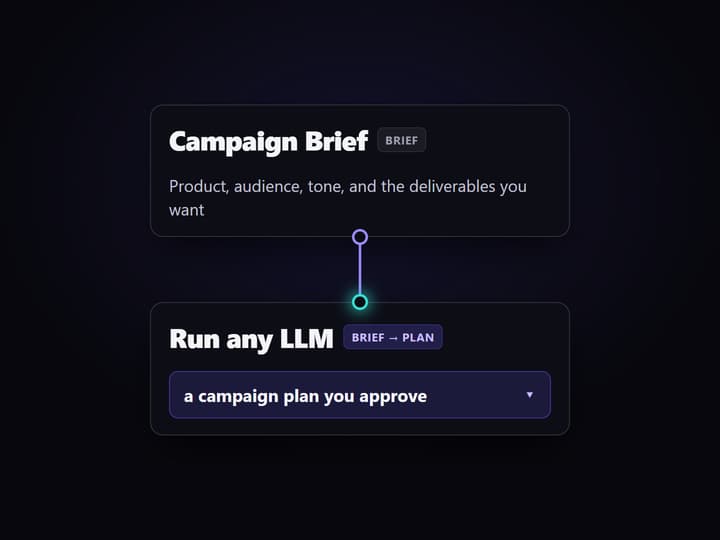
Open the flow and fill the Campaign Brief node with your product, audience, tone, and deliverables. Four prompt nodes hold the hero shot, lifestyle scene, voiceover line, and video scene so you steer every generated asset.
Generate the ad in one run
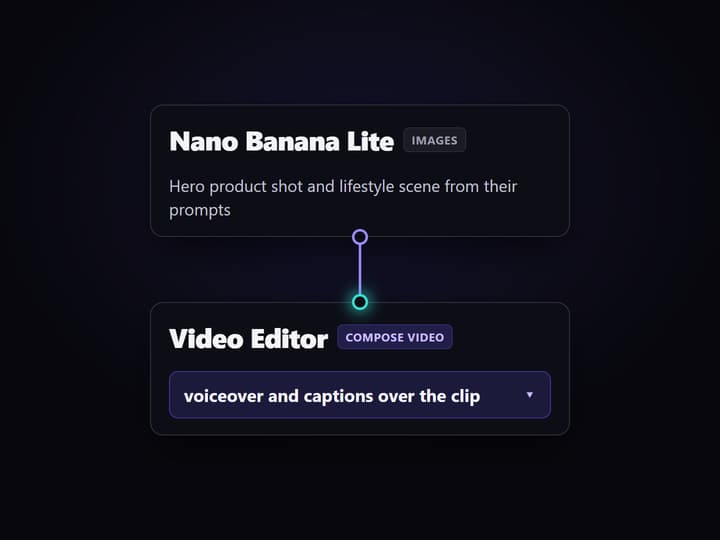
A Run any LLM planner drafts the plan, two Nano Banana Lite nodes render the product and lifestyle images, ElevenLabs speaks the voiceover, and Seedance renders the clip the Video Editor cuts into a finished ad.
Rerun for the next variant
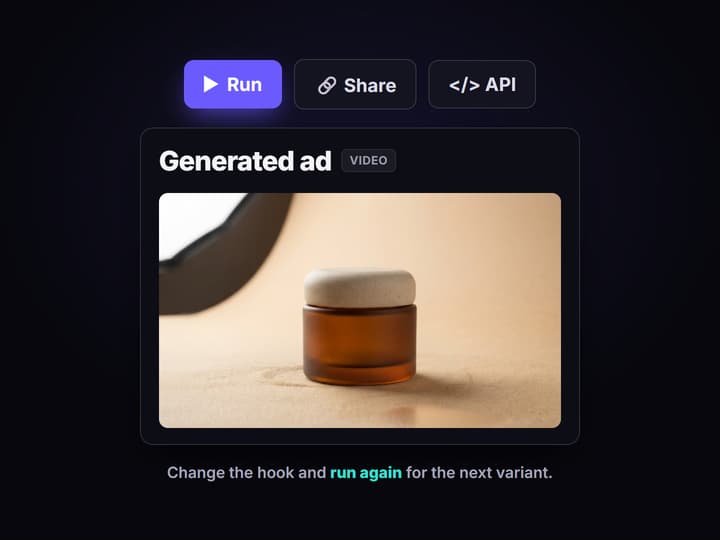
Change the hook or offer and run again for a fresh ad, or swap any node for another hosted model. Share the flow link so the team runs the same graph, or call it as a REST endpoint and MCP tool.
What AI generated ads actually are
AI generated ads are ad creatives made by AI models rather than shot on set or laid out by hand: product images, a voiceover, captions, and a short video clip. Most tools that promise them are a form with a preview window, pick a template, paste a line, get a clip that looks like everyone else's. It is fast until you need a second format, a different hook, or a product the template never planned for.
It helps to separate three things. An image generator makes a single picture. A marketing automation tool schedules and buys. An AI ad generator sits between them, and Wireflow builds that middle as a workflow you own on a node canvas: a Campaign Brief drives a planner, two Nano Banana Lite image nodes render the hero and lifestyle shots, ElevenLabs speaks the voiceover, Seedance renders the clip, and the Video Editor cuts it together. It runs on hosted compute in the browser, nothing to install.
What generates each part of the ad
Campaign brief
A text node holds the product, audience, tone, and deliverables. Change it and rerun; the graph never moves.
Asset planner
A Run any LLM node expands the brief into a plan. You bring the offer; it drafts the shot list you approve.
Product and lifestyle shots
Two Nano Banana Lite nodes render the hero product and the lifestyle scene from their prompts.
Voiceover
An ElevenLabs TTS node speaks the voiceover line so the ad has a voice track from the same run.
Video clip
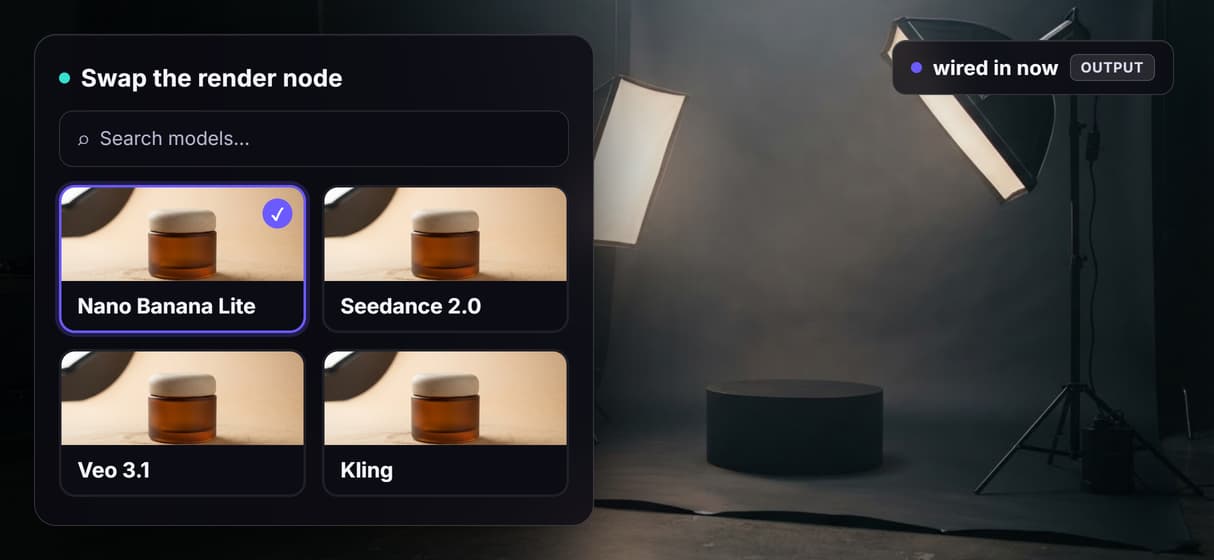
A Seedance node renders the product clip. Swap it for Veo 3.1 or Kling when the shot calls for it.
Compose the ad
The Video Editor node lays the voiceover and captions over the clip and renders the finished ad.
How one brief becomes a generated ad
The workflow behind this page's button is one canvas with a clear left to right flow.
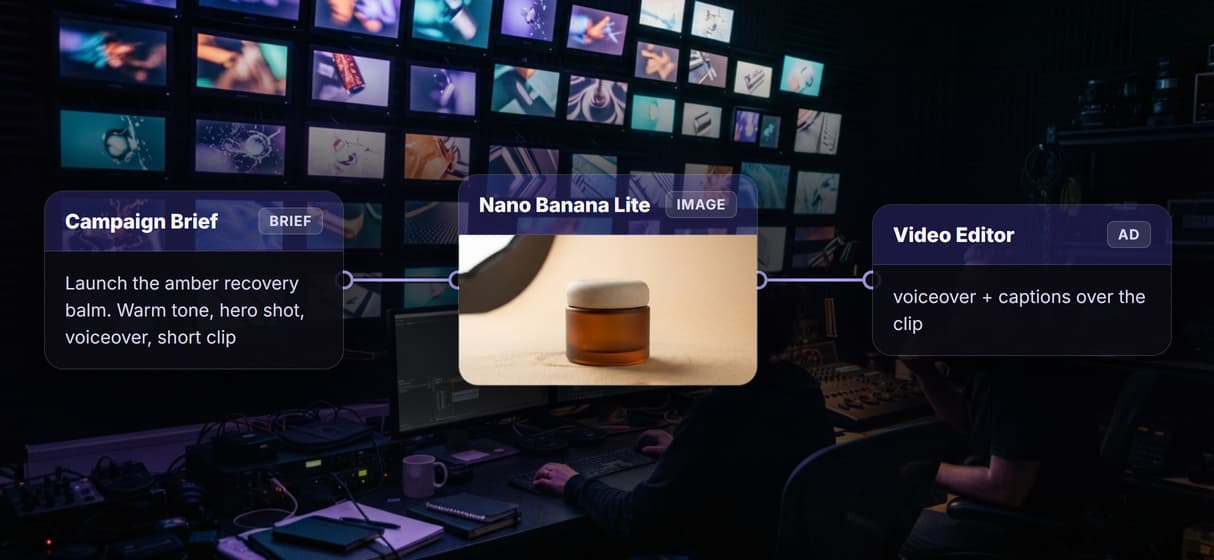
- The brief drives a planner. A Campaign Brief text node feeds a Run any LLM node that expands your ask into a campaign plan you can read and edit before anything renders.
- Two Nano Banana Lite nodes render the images. Separate prompt nodes hold the hero product shot and the lifestyle scene, so you approve the look before paying for motion.
- ElevenLabs speaks, Seedance moves. An ElevenLabs TTS node voices your line while a Seedance node renders the product clip. Video nodes are expensive, so they fill on demand rather than on every save.
- The Video Editor cuts it together. A Compose Video node lays the voiceover and captions over the clip and returns the finished ad.
Because the graph lives among dozens of hosted model nodes, the same ad can roll straight into a longer AI video pipeline, upscaling included, without leaving the browser. To generate the next variant, change the hook and rerun, or point the whole board at another product.
When AI generated ads are not the answer
If you want a single button that writes your strategy, buys the media, and reports on spend, this is not that tool. Wireflow is the generation layer: it renders the images, the voice, and the clip, but you bring the offer and the brief, and the planner node drafts a plan you still direct. It does not run your ad accounts or A/B test creative for you.
The video the flow ships is a short product clip you assemble, not a 60 second broadcast spot by default. There are no offline or local runs and no custom Python nodes. What you get instead is ownership of the pipeline, dozens of hosted models to swap between, and per generation pricing. When a client needs real volume, pair this flow with UGC ad workflows and generate the variants in bulk.
More Than Just AI Generated Ads
Every ad comes from one reusable graph
One brief runs a graph that renders a product shot, a lifestyle scene, a voiceover, and a video clip the Video Editor cuts into a finished AI commercial.
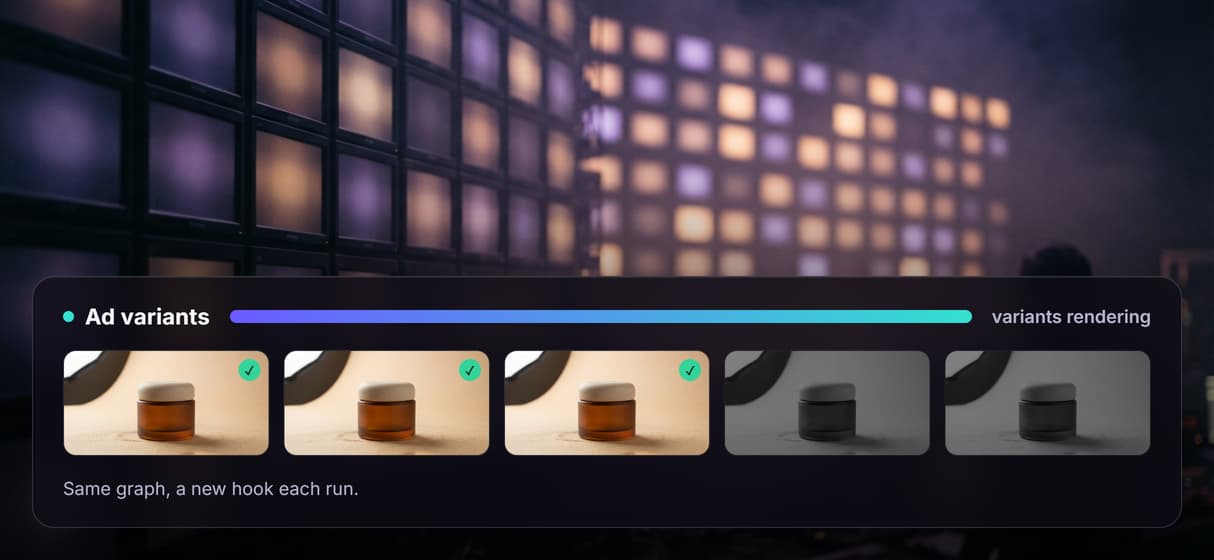
New variants come from a rerun, not a restart
Change the hook or offer and run the same graph again for the next ad, so a batch of on brand ad variants comes from one canvas.
Chain and swap dozens of hosted models
Nano Banana Lite, ElevenLabs, and Seedance are wired in today, and you swap any node for another hosted model like Veo 3.1 or Kling as stronger ones ship.
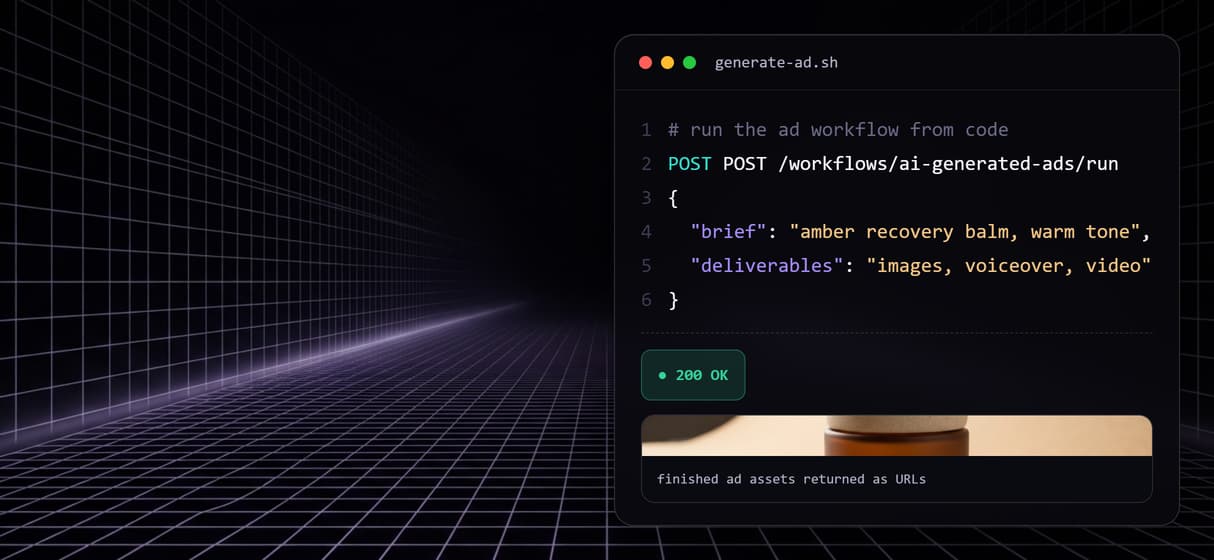
Generate ads from code or an agent
Every published workflow is also a REST endpoint and an MCP tool, so a script or an agent can send a brief and get finished ad asset URLs back.
Pay per generation, not per seat
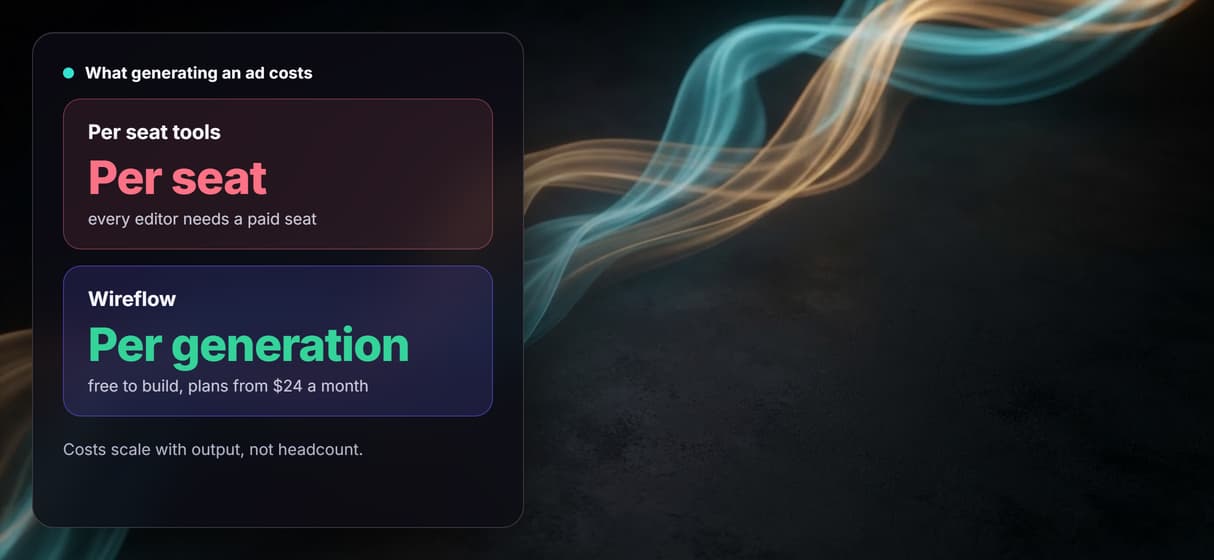
Building on the canvas is free and every render is metered, so ten teammates on this ad flow cost the same as one. Plans start at $24 a month.
Build Any AI Workflow
AI Models Integrated
Full Commercial License
FAQs
AI generated ads are ad creatives, product images, voiceovers, captions, and short video clips, produced by AI models instead of shot or designed by hand. On Wireflow they come out of one node canvas workflow: a brief becomes product images, a voiceover, and a video clip cut into a finished ad, priced per generation.
Discover related AI tools
- AI Video Generator: 12 Video Models, One Canvas (2026) | Wireflow
- TapNow AI Alternative
- Opencreator AI Alternative
- AI Video Workflow
- AI UGC Workflow
- Faceless AI Video Generator
- Text to Video
- Text to Video AI
- Happy Horse 1.0
- Free AI Video Generator Online
- Best AI Video Generators 2026
- Video Maker: One Prompt to a Finished Clip on a Canvas
More From Wireflow
Written by
Andrew Adams · Co-Founder & Operations at Wireflow
Runs client operations and content strategy at Wireflow. Works directly with creative teams and agencies to build production AI workflows.
Generate the ad, own the pipeline
Open the flow, write the brief, and run it: product shots, a voiceover, and a video ad from one graph. Building is free; you pay per generation, not per seat.