 Andrew Adams · Co-Founder & Operations at Wireflow ·
 AI Carousel Generator
Template carousel tools fill in their layouts.
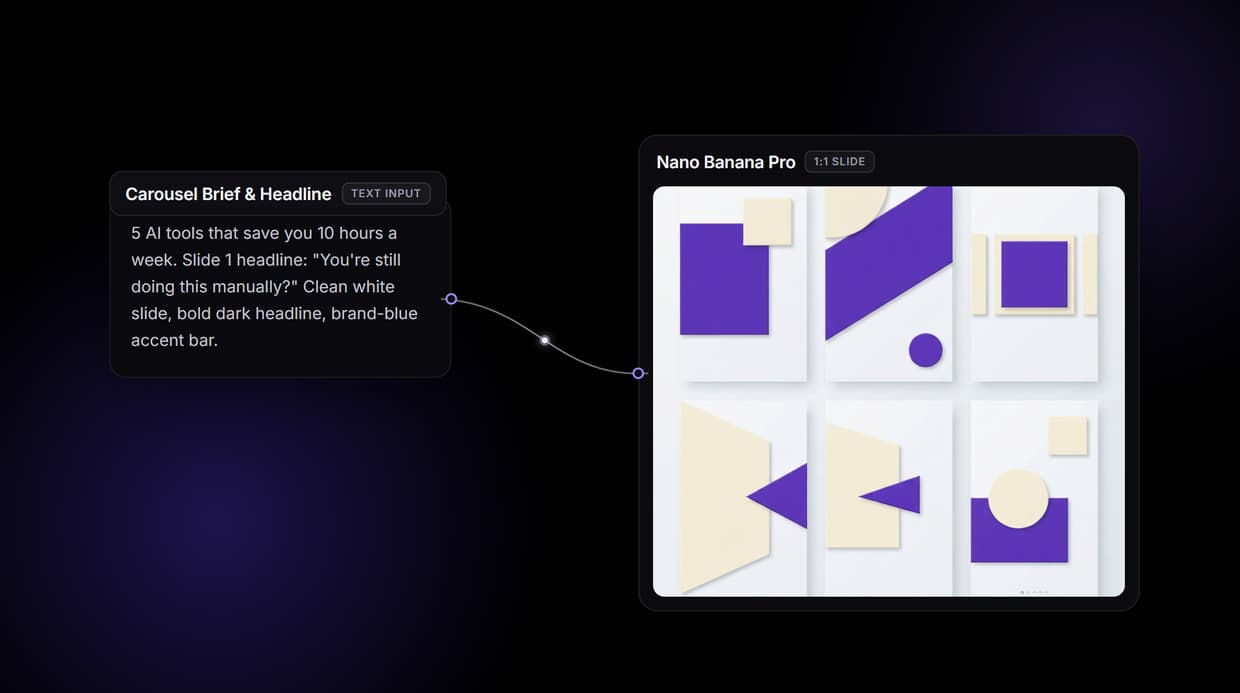
Wireflow hands you the pipeline: a node canvas where your brief and exact headline become a 1:1 slide with the text rendered right into the image by Nano Banana Pro. Free to build, pay per generation.
Free to build · no credit card · See how it works ↓
How to Use AI Carousel Generator
Steps to get you started in Wireflow.
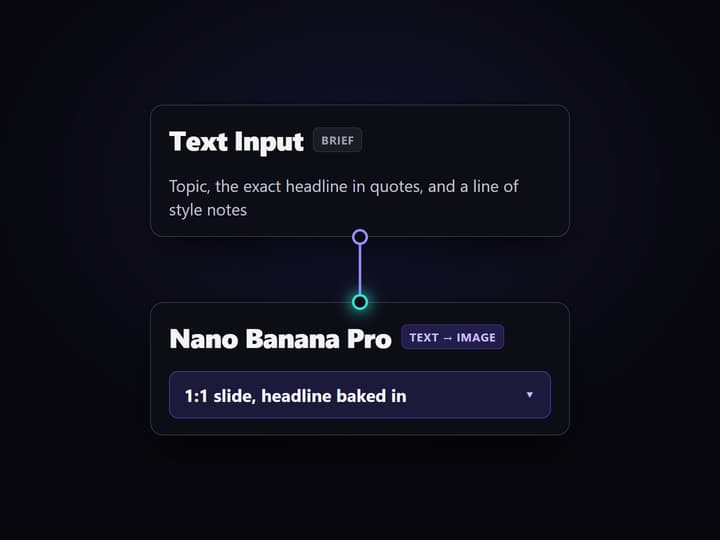
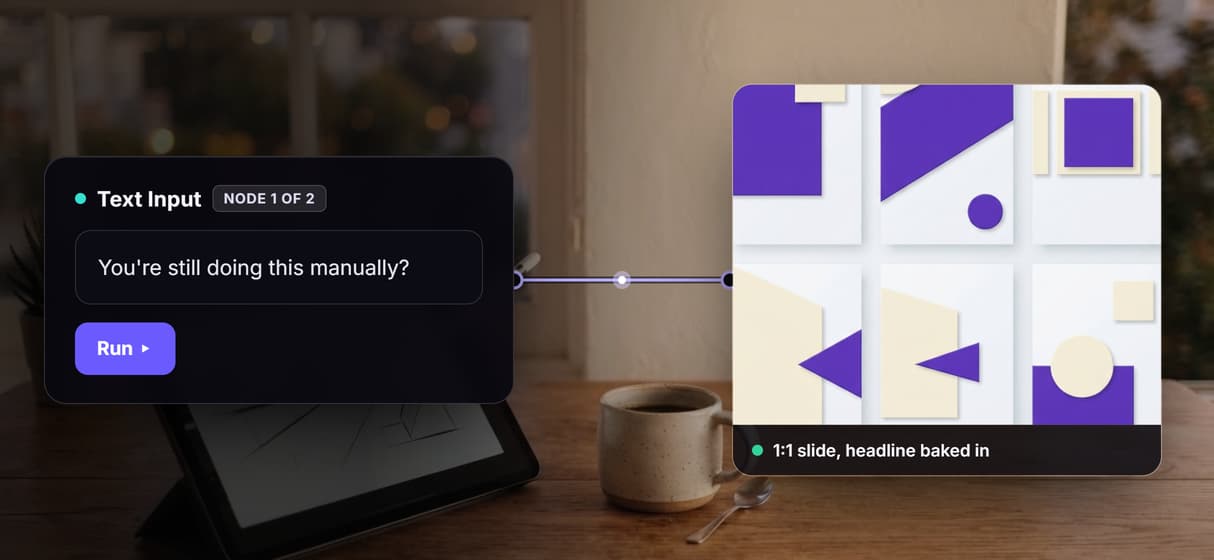
Type your topic and the exact slide headline
Open the flow and click the Text Input node. Give it the carousel topic, the exact headline you want on the slide in quotes, and a line of style notes, for example clean white background with a bold dark headline and a brand-blue accent bar.
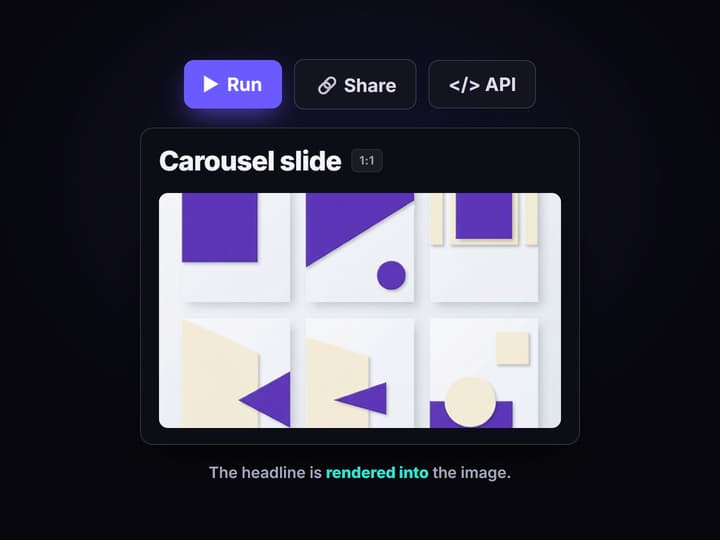
Run the graph to render the slide
Nano Banana Pro reads the brief and renders a square 1:1 slide with the headline text baked directly into the image, crisp at thumbnail size, in a few seconds. No separate typesetting step and no fixed template.
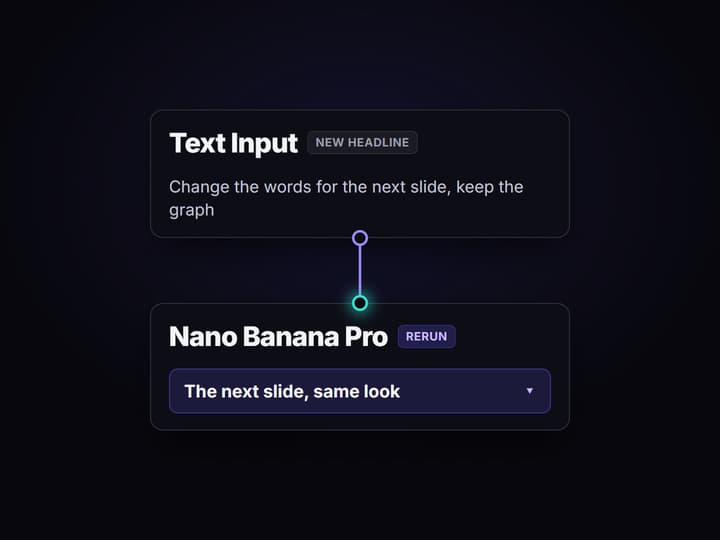
Change the headline, keep the pipeline
Edit the headline and run again for the next slide, or swap the render node for another of the 70+ hosted models when a slide needs a new look. Share the flow link and the whole team runs the exact same graph.
Why teams outgrow template carousel tools
Most AI carousel generators are template studios: you pick a layout, the tool pours a headline and a few bullets into it, and every post carries the same recognizable frame. That is fast on day one and limiting by week three. You cannot change the underlying image model, you cannot reproduce an old post exactly, and you cannot call the tool from a script when you want a week of slides at once.
Wireflow answers with a different shape. A carousel slide is a small workflow you own on a node canvas: a Text Input holds the topic and the exact headline, and Nano Banana Pro renders a 1:1 slide with that headline baked into the image. It runs on hosted compute in the browser, nothing to install, and the same canvas drives every other AI image generator job your team has, from ad creative to thumbnails.
What replaces the template editor
Brief intake
A Text Input node holds the topic, the exact headline, and your style notes. Change the words and rerun.
Slide render
Nano Banana Pro renders a 1:1 slide with the headline text baked directly into the image.
Model choice
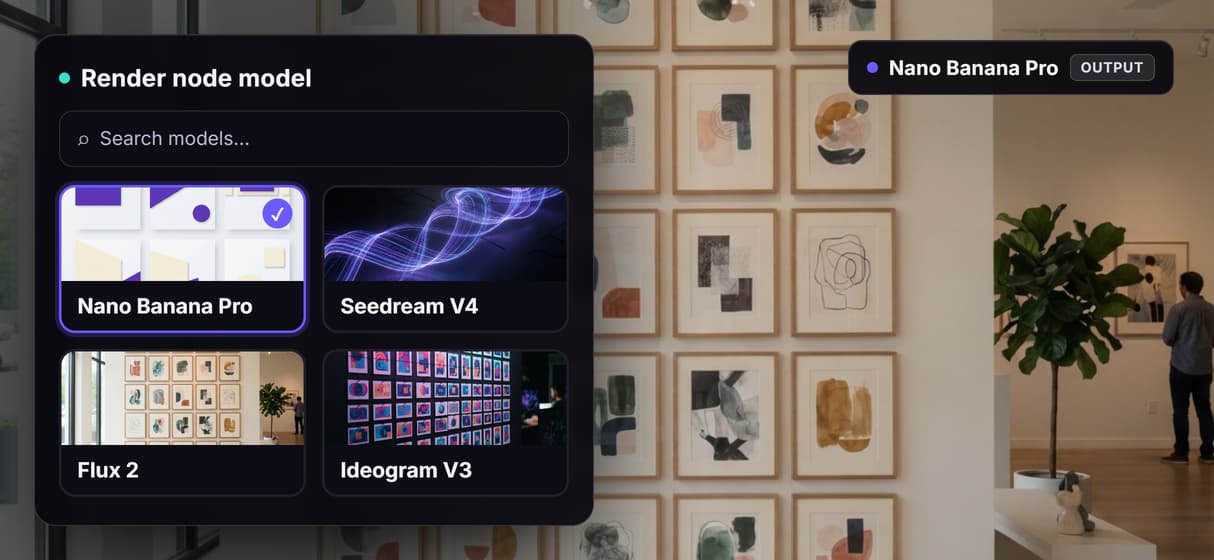
Swap the render node for Seedream, Flux 2, Ideogram, or GPT Image when a slide needs a new look.
Brand reference
Wire a brand image into the render node's image port so slides carry your palette and style.
Rerun and version
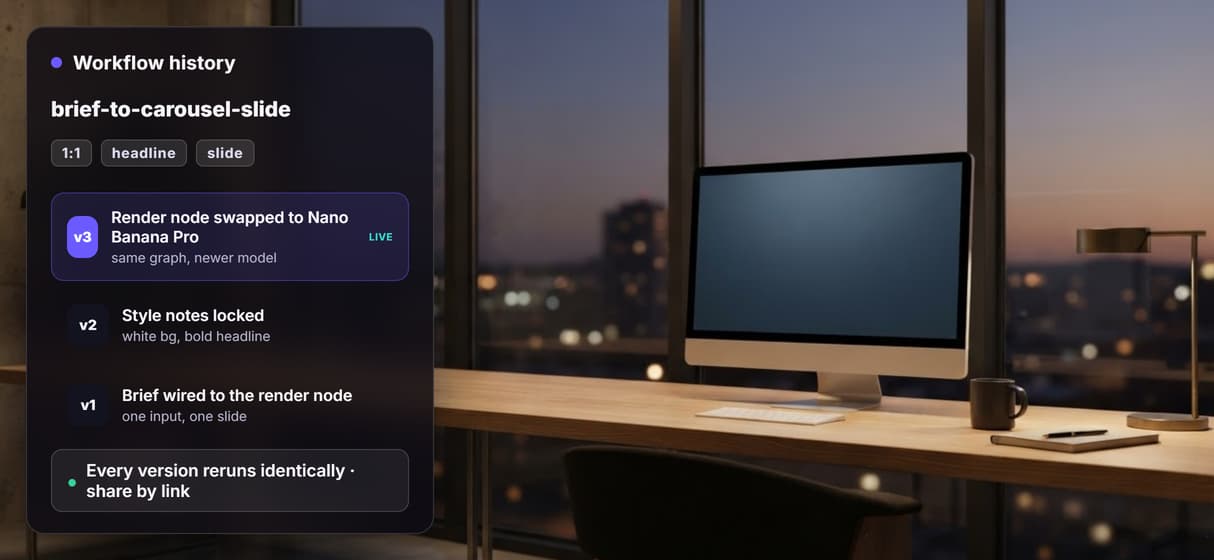
Workflows are versioned and shareable by link; every rerun of a slide comes out identical.
API and MCP
The same flow is a REST endpoint and MCP tool, so an agent can generate slides from a feed.
How the slide graph actually runs
The workflow behind this page's button is deliberately small: a Text Input wired to one render node.
- Text Input holds the brief. The topic, the exact headline in quotes, and a line of style notes go in one node; a sticky note in the flow walks a first run through it.
- Nano Banana Pro renders the slide. It reads the brief and returns a square 1:1 slide with the headline text baked into the image, crisp at thumbnail size, in a few seconds.
- Rerun to build the set. Change the headline and run again for the next slide; wire a brand image into the render node's image port to keep every slide on the same palette.
Because the graph lives among 70+ hosted model nodes, a slide can roll straight into a longer job without leaving the browser: send the set through a batch AI generation run over a list of headlines, or hand it to the AI brand content generator flow so the whole calendar shares one look.
When a template carousel tool is the right call
If you want to type a topic and have a tool write the slide copy, lay out ten slides in a fixed template, and one-click export to a LinkedIn scheduler, a dedicated carousel app is built around exactly that job, and this page will not pretend otherwise. Wireflow does not write your slide copy or arrange a deck in a drag-and-drop editor, and it renders slides one at a time rather than filling a ten-slide template in a single click.
Wireflow is the generation layer, not the copywriter or the deck builder: you bring the headline and the slide count. What it offers instead is ownership of the pipeline, 70+ hosted models to swap between, reproducible versioned flows, and per generation pricing. If on-brand slides are one ingredient in a bigger content machine, build here, and pair the flow with the AI thumbnail generator when a post needs a cover.
More Than Just AI Carousel Generator
A carousel pipeline you own, not a template you fill
Your slide flow sits in the open on a canvas: brief and headline in, a 1:1 slide out. Rewire any hop like any AI image generator graph.
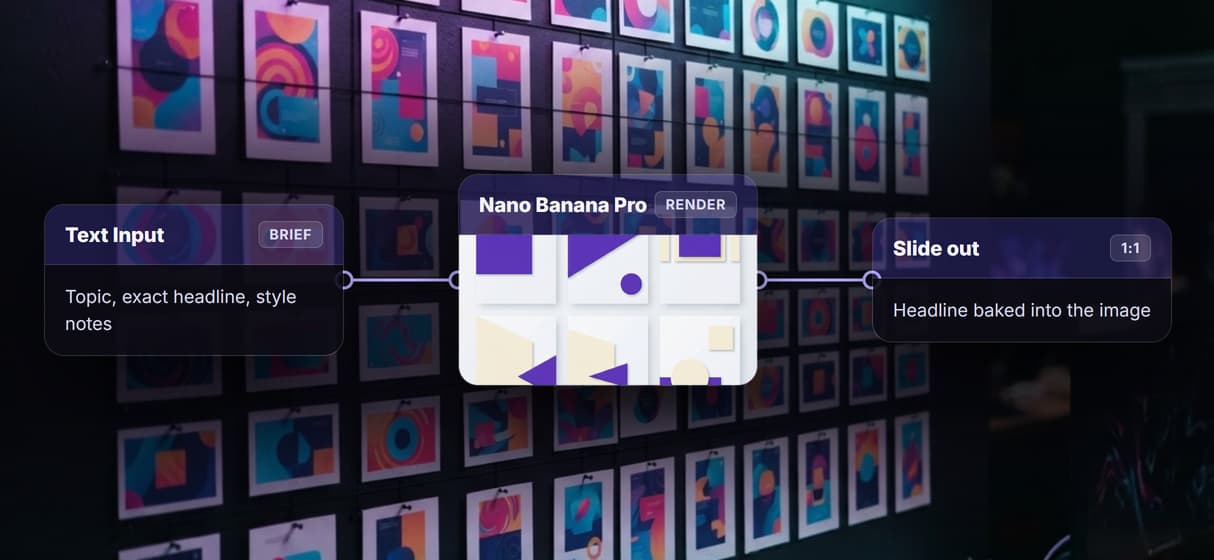
Headline text baked into the slide by Nano Banana Pro
Nano Banana Pro renders your exact headline inside the 1:1 image, so type stays crisp at thumbnail size. It is the same node behind the AI poster maker.
Pick from 70+ image models, swap in one node
Swap the render node for Seedream, Flux 2, Ideogram, or GPT Image when a slide needs a new style, then reuse the same brand content wiring.
Reruns are identical, upgrades are one node
Workflows are versioned server side and shareable by link, so slide ten matches slide one. Swap in a stronger Nano Banana 2 and the graph survives.
Every carousel flow is a REST endpoint and MCP tool
Publish once and an agent or script sends the topic and gets slide URLs back, so a week of carousels runs from a spreadsheet. It is batch generation for slides.

Build Any AI Workflow
AI Models Integrated
Full Commercial License
FAQs
It depends on what you want to keep. If you want a template studio that writes the copy and lays out fixed slides, a dedicated carousel app fits. If you want to own the pipeline, Wireflow renders each slide as an image on a node canvas: brief and exact headline in, a 1:1 slide with the text baked in out, priced per generation.
Discover related AI tools
- AI Image Upscaler: Upscale to 4K in a Visual Workflow
- AI Background Remover
- AI Image Generator: Flow-Based Canvas, 31 Models
- ComfyUI Alternative
- AI Face Swap Online: Photos and Video in Your Browser
- Virtual Try On
- AI Thumbnail Generator
- AI Photo Generator
- AI Image Editor
- AI Art Generator
- Midjourney Alternative
- AI Headshot Generator
More From Wireflow
Written by
Andrew Adams · Co-Founder & Operations at Wireflow
Runs client operations and content strategy at Wireflow. Works directly with creative teams and agencies to build production AI workflows.
Own the carousel pipeline, not a template
Open the flow, type your topic and the exact headline, and run it: a 1:1 slide with the text rendered right in the image. Building is free; you pay per generation, not per seat.