 Andrew Adams · Co-Founder & Operations at Wireflow ·
 Agentic Workflows
Design the media pipeline once on a node canvas, then let an agent run it.
Every published workflow is a REST endpoint and an MCP tool, so brief in, finished assets out, no one re-prompting a chat window all day.
Free to build · no credit card · See how it works ↓
How to Use Agentic Workflows
Steps to get you started in Wireflow.
Wire the pipeline on the canvas
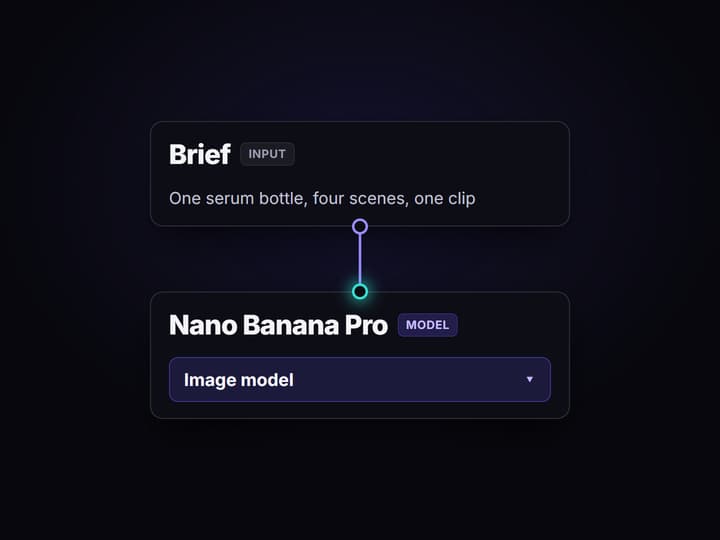
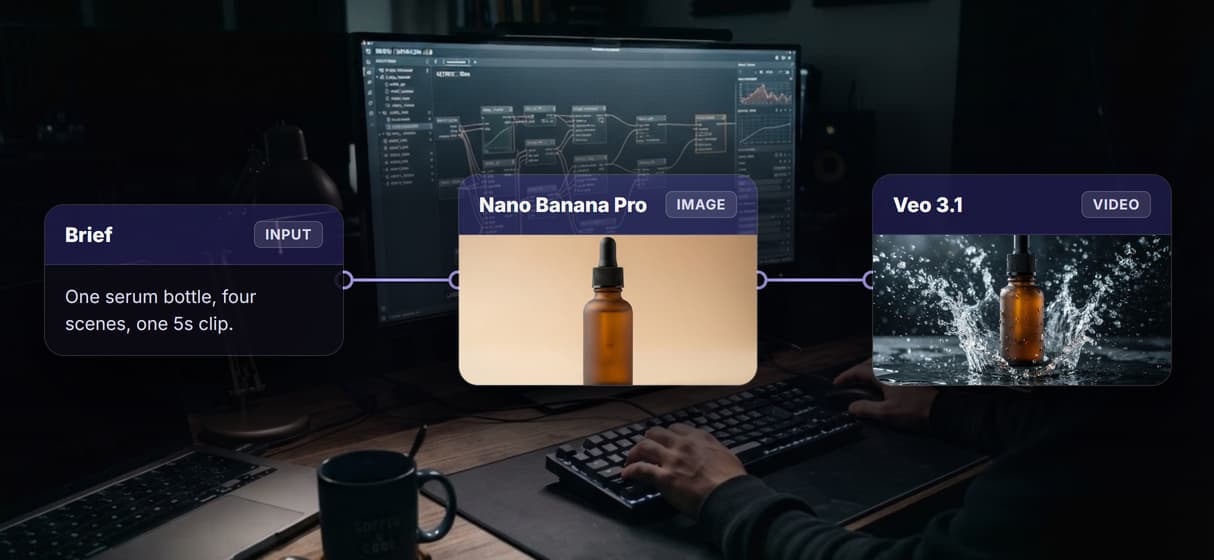
Start from a text input for the brief, add an Enhance Prompt node, then Nano Banana Pro for the image and Veo 3.1 for the clip. No code, no GPU, nothing to install.
Publish it as a tool
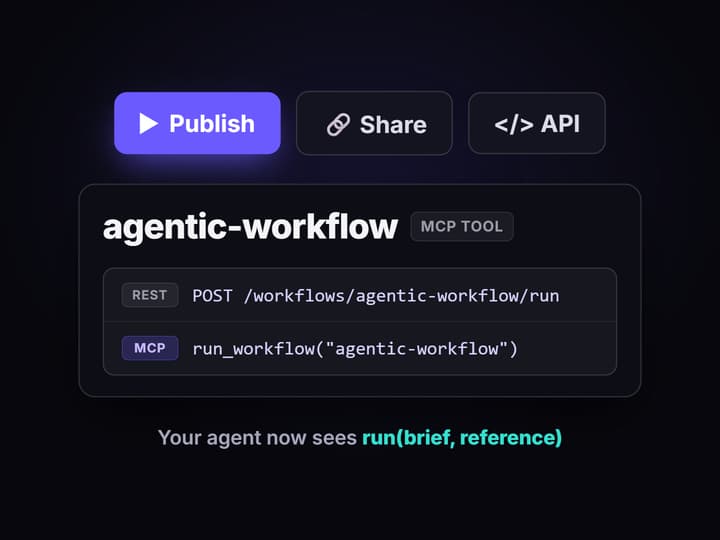
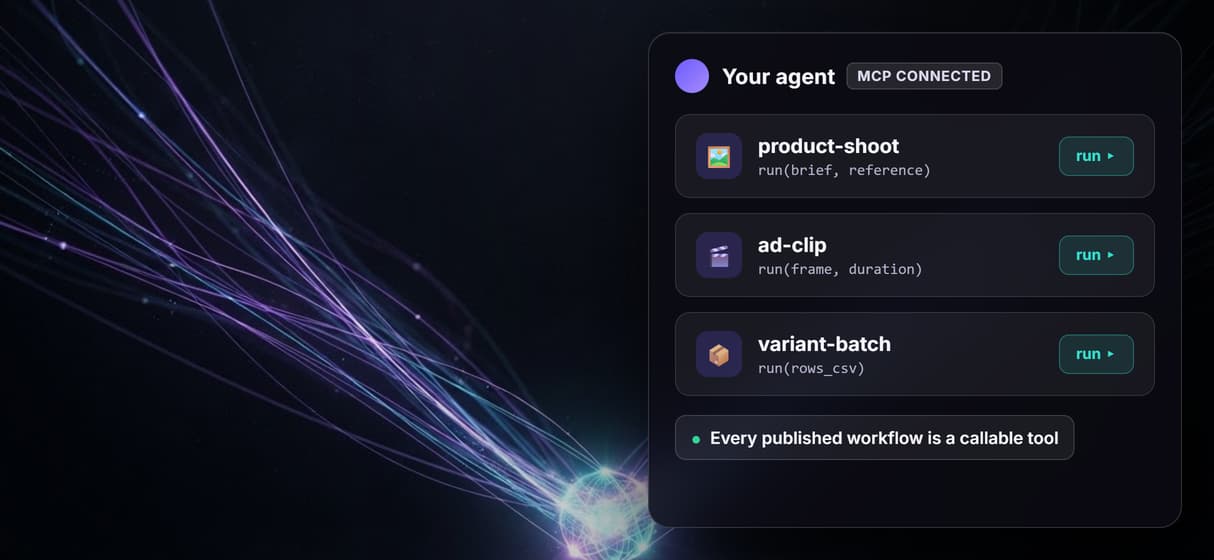
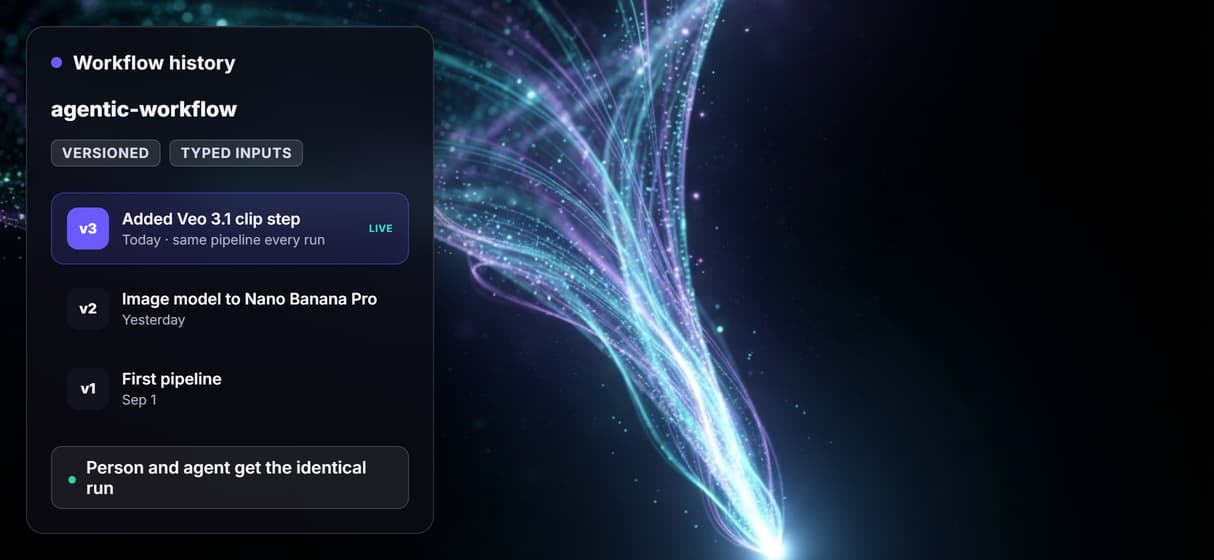
Publishing the graph turns it into a REST endpoint and an MCP tool with typed inputs. It is versioned server-side, so every run uses the exact same pipeline.
Let the agent run it
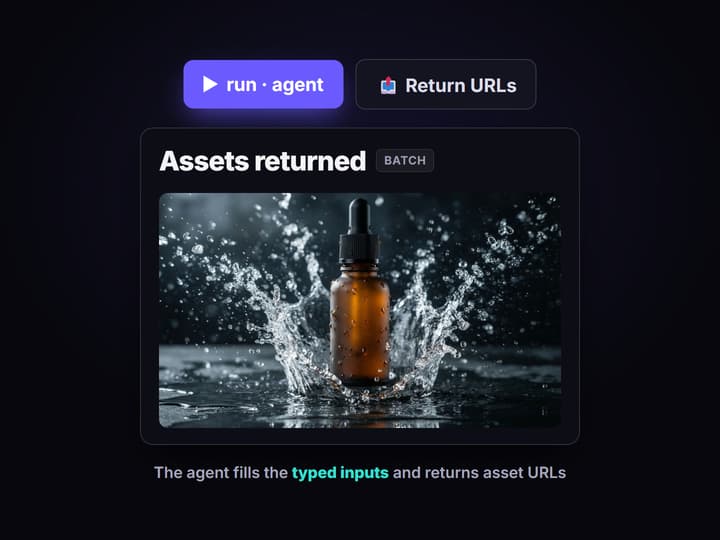
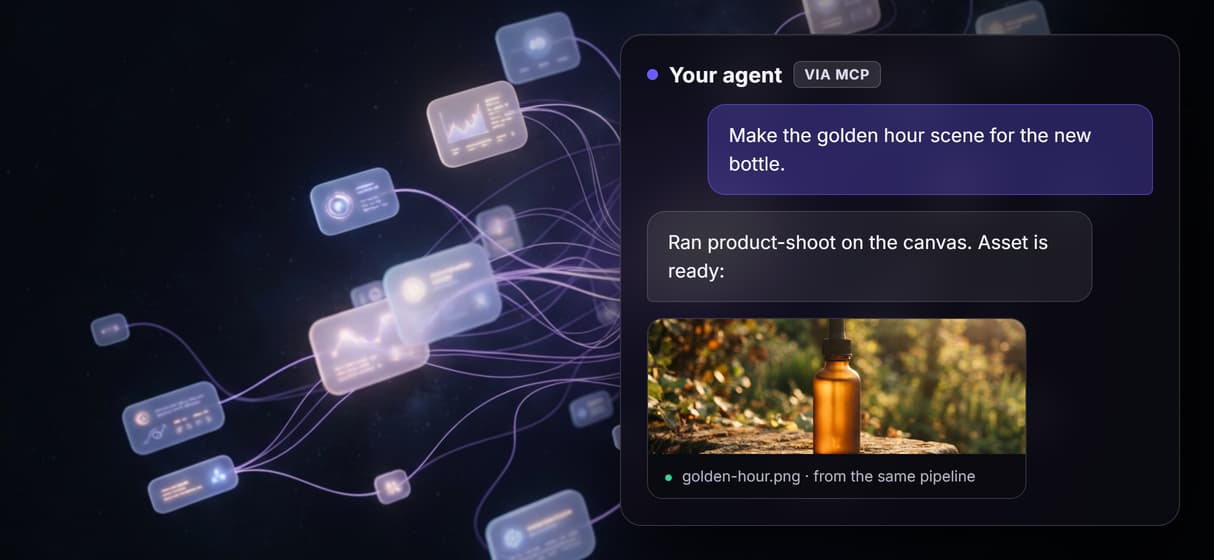
Your agent lists the workflow over MCP, fills the typed inputs from the task, runs it on hosted compute, and returns asset URLs for a person to review.
The piece most agentic stacks are missing
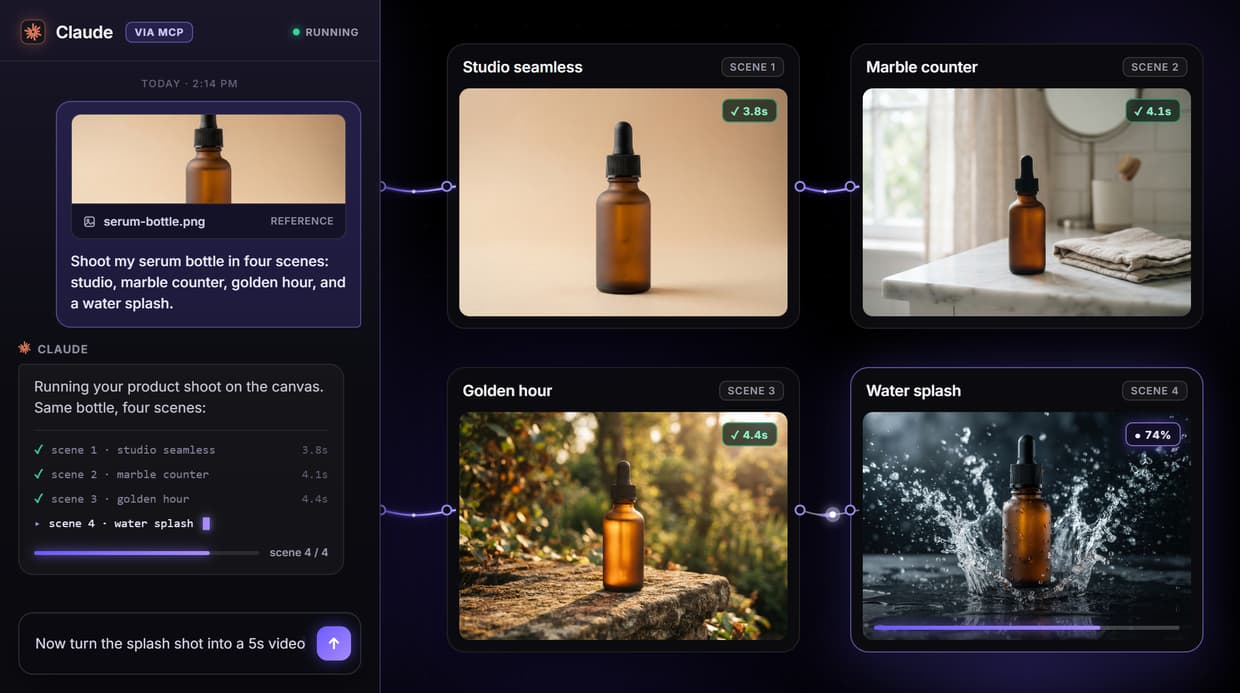
Agentic workflows get defined the same way everywhere: an autonomous agent plans a task, calls tools, checks its own work, and adapts, instead of following a fixed script. That definition quietly assumes the hard part is already solved. The tools the agent calls have to exist first, and for anyone generating images, video, or audio, the tool that never exists is a production pipeline the agent can actually run.
Wireflow is where that pipeline lives. You wire it once on a node canvas: a brief input, an image model, a video model, an iterator for variants, and a publish step. It runs on hosted compute in the browser, no GPU and no install, and the moment you publish it, the same graph becomes a REST endpoint and an MCP tool. That is AI pipeline automation built to be handed to an agent, not just run by a person.
What an agentic workflow can do here
Read the brief
Pull the task from a text input, a Notion page, or Google Drive with fetch nodes.
Generate images
Nano Banana Pro, Flux 2, Seedream V4.5, and GPT Image 2 turn the brief into visuals.
Generate video
Veo 3.1, Kling O3, Sora 2, and Seedance 2.0 turn a frame into a channel-ready clip.
Add voice
ElevenLabs voice-over and Sync Lipsync v3 add narration and talking avatars in-graph.
Loop over rows
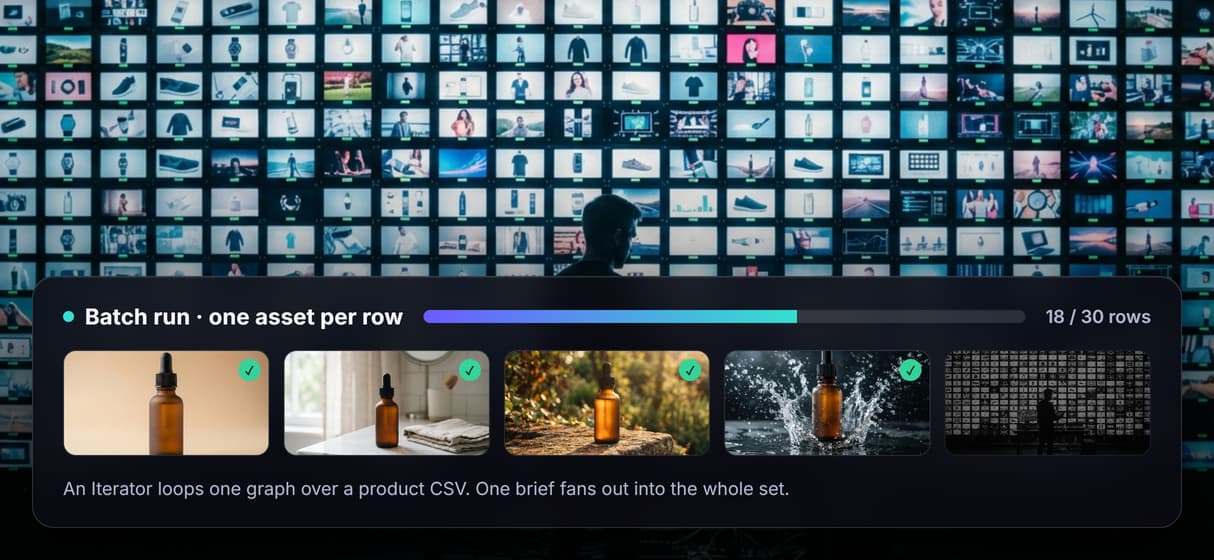
Text and Image Iterators run one graph across a CSV of products, hooks, or channels.
Publish the result
Topaz upscaling, background removal, and a Social Publish node finish and ship the run.
How the loop runs, and who does what
An agentic workflow is a division of labor, not a hand-over of judgment.
- You design. You choose the models, lock the inputs, and decide what a run is allowed to change. That happens once, on the canvas.
- The pipeline produces. Brief in, the graph renders images, clips, and variants on hosted compute, the same way every run.
- The agent operates. Over the hosted MCP server the agent lists your published workflows, fills the typed inputs from the task, runs one, and returns asset URLs for review.
Delegation only works because runs are reproducible: workflows are versioned server-side, so the difference between two runs is the inputs, never the pipeline. That property is what separates AI creative workflows you can hand to an agent from prompt sessions you cannot, and it is why the same graph serves a headless AI workflow platform and a person on the canvas equally well.
What agentic workflows on Wireflow are not
Wireflow is the generation and publishing layer, not the reasoning brain. Planning, decisions, and strategy come from the agent you bring, Claude, GPT, or your own; an LLM node can rewrite prompts and captions inside a graph, but it will not decide what to make or why. Bring the agent; Wireflow gives it something reliable to run.
It is a media platform, not general-purpose automation: it generates images, video, and audio, it does not run databases, CRM writes, or arbitrary SaaS actions beyond its integration and research nodes. There are no offline or local runs and no custom Python nodes. And every generation costs credits, so an agent looping over hundreds of rows is a spend decision to cap deliberately. If your work is one-off assets with no repeatable shape, a pipeline has nothing to automate. If the same shape ships over and over with new inputs, this is exactly the practice for it.
More Than Just Agentic Workflows
Publish once, get a tool
Publish a workflow and it becomes a REST endpoint and an MCP tool at once, the core of any AI workflow orchestration platform an agent can call.
Chain models in one graph
Wire a brief into an image model, then into a video model, in a single multi-model AI workflow the agent runs as one step instead of stitching APIs.
Loop it over a whole feed
A Text or Image Iterator fans one brief across a product CSV or hook list, the same batch AI generation an agent can trigger row by row.
The agent drives the canvas
The agent plans and decides; the pipeline produces. That split is the whole point of an agentic canvas, where design happens once and running is delegated.
Reproducible, so it is safe to hand off
Workflows are versioned server-side, so the fiftieth run matches the first. That reliability is what makes creative workflow automation safe to give an agent.
Agentic workflows Workflows
No Code Required
API & Batch Processing
FAQs
It is a process where an autonomous agent runs a multi-step task on its own, planning, calling tools, and refining the result, instead of a person driving each step by hand. On Wireflow the tool it calls is a media pipeline you built on the canvas.
Discover related AI tools
- AI Workflow Templates
- AI Video Pipeline: Build One on a Node Canvas
- Bulk AI Content Generation
- AI Model Chaining
- AI Asset Pipeline
- AI Workflow Builder
- AI Content Generation API
- AI Workflow API
- AI Orchestration API
- Headless AI Workflow Platform
- Krea AI API Alternative: Image and Video From One REST Endpoint
- Weavy for Developers
More From Wireflow
Written by
Andrew Adams · Co-Founder & Operations at Wireflow
Runs client operations and content strategy at Wireflow. Works directly with creative teams and agencies to build production AI workflows.
Build the workflow your agent will run
Wire your media pipeline once on the canvas: brief in, images, video, and variants out. Publish it and it becomes a REST endpoint and an MCP tool your agent can run. Building is free; generations are pay per run.