 Andrew Adams · Co-Founder & Operations at Wireflow ·
 AI Product Photography
AI product photography on a node canvas: write a short prompt describing the product and scene, and Flux 2 Pro renders a photorealistic product photo.
No studio, no camera, no GPU.
Free to build · no credit card
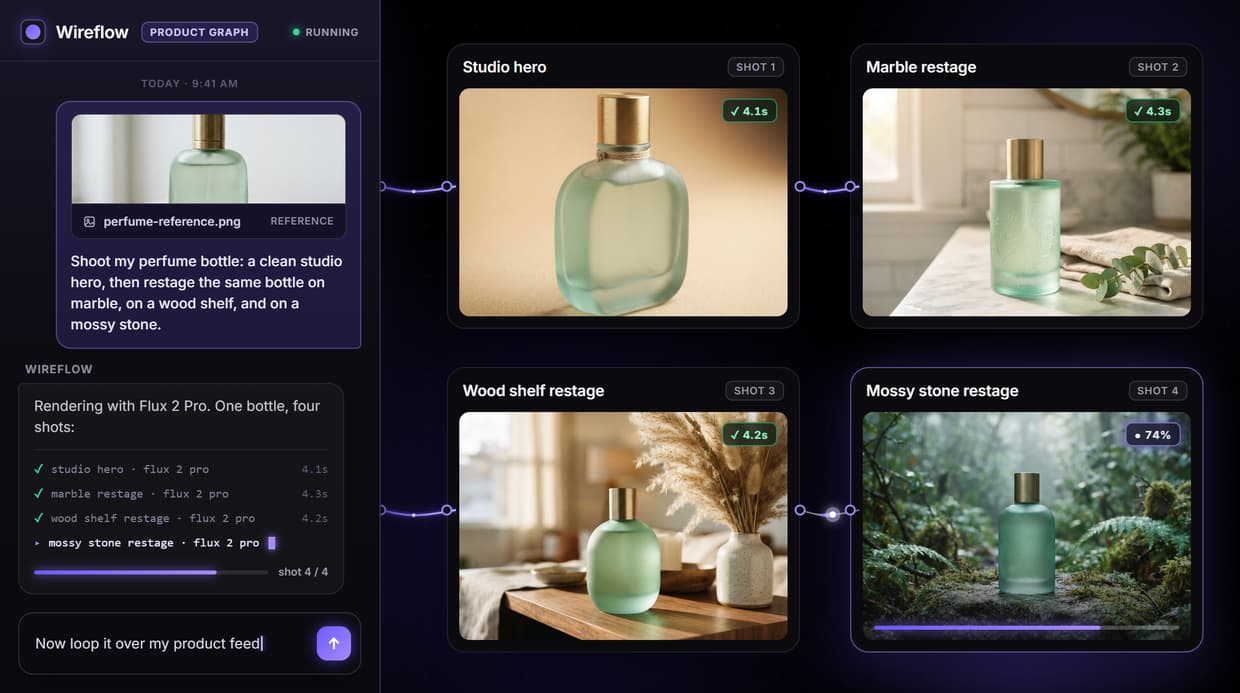
Professional product photos without a studio
Traditional product photography means lighting rigs, backdrops, a camera, and hours of retouching per SKU. AI product photography removes that overhead: you describe the shot in words, and an image model renders a photorealistic product photo in seconds instead of days.
Wireflow does this on a node canvas rather than a single prompt box. A Text Input node holds your prompt, and it feeds a Flux 2 Pro image node that renders the photo. Because it is a visible graph, you can wire in a reference product image, swap the image model, or add background-removal and upscaling nodes, so the pipeline grows with your catalog instead of staying a one off render.
What the graph does
Prompt to photo
A text prompt describing the product and scene feeds the image node.
Flux 2 Pro render
Flux 2 Pro renders a photorealistic product photo with lighting and shadow.
Reference image
Wire a real product photo into the Image 1 port to keep its true shape.
Any background
Marble, counter, outdoor, or plain: the scene is set by the prompt.
Swappable model
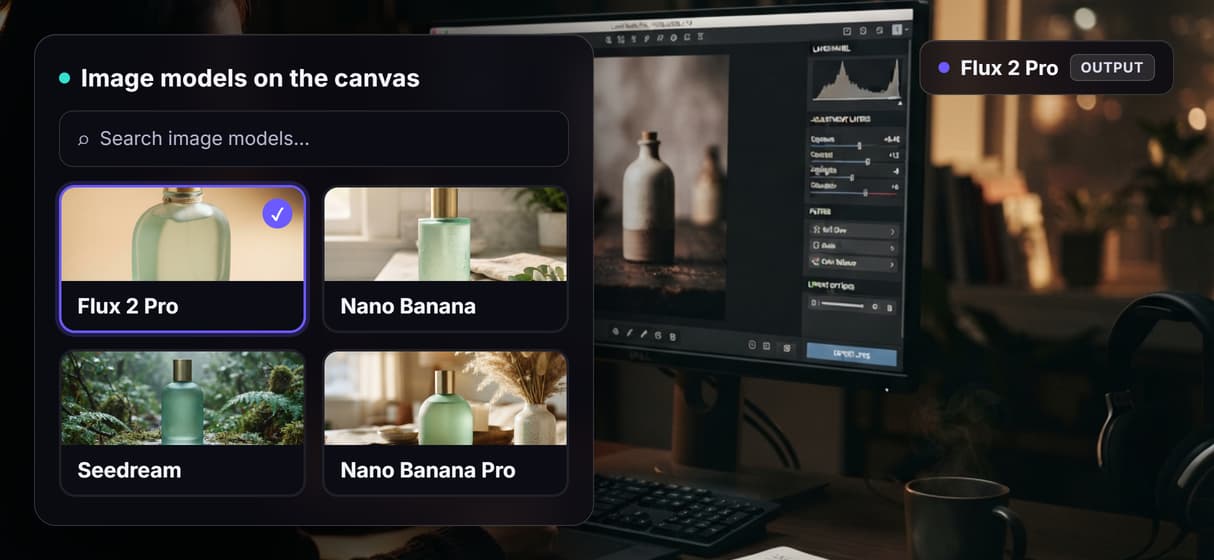
Swap Flux 2 Pro for Nano Banana, Seedream, or another image model.
Clean and upscale
Add a background-remover or 4x upscaler node onto the output.
How a prompt becomes a product photo
The pipeline is a real graph, not a template. Each node does one job and passes its output to the next, so you can open any step and see what it produced.
- Prompt. You write a short prompt in a single Text Input node: the product, the surface, and the background you have in mind.
- Render. That prompt feeds a Flux 2 Pro image node, which renders a photorealistic product photo with lighting, shadow, and depth on hosted compute.
- Extend. Optionally wire a reference product image into the Image 1 port, swap the image model, or add a background-remover or upscaler node when a shot needs it.
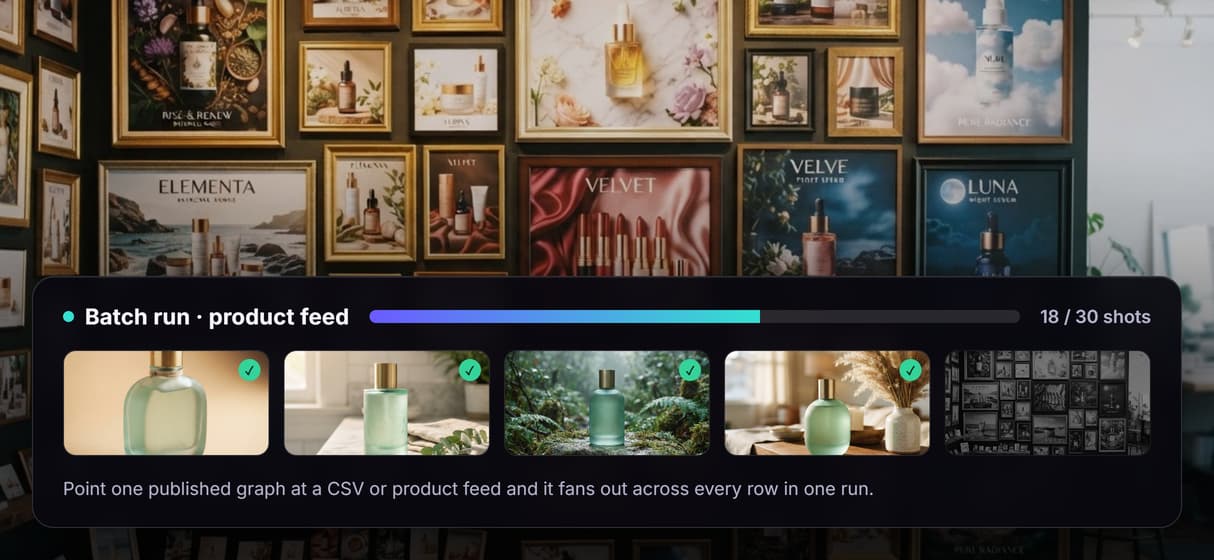
Because the graph is published, you can also loop it over a product feed so a whole catalog renders on brand, or duplicate the image node to restage the same product into new scenes.
What it does, and what it does not
Wireflow is the generation layer. It renders the product photos; it does not upload them to your marketplace, manage your inventory, or auto-size a listing for you. You set the aspect ratio and export each shot for the store you sell on.
It is hosted by design, so there is no offline mode, no custom Python nodes, and no local checkpoints. That is the honest trade for never touching a GPU. If your product is highly tactile, like fine jewelry, a real shoot may still win on the closest crops. For everything else, describing the shot and rendering it on the canvas is faster than booking a studio.
More Than Just AI Product Photography
One prompt, one product shot
Describe the product and scene in a single text node and Flux 2 Pro renders the photo. No lightbox or backdrop when a product photo idea changes.
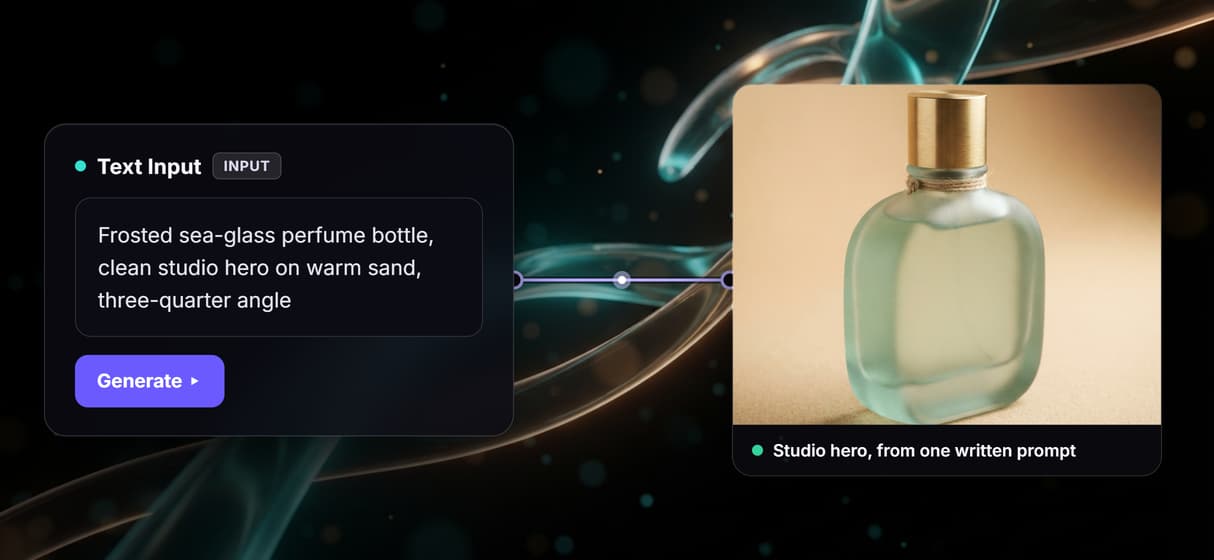
Any scene you describe
Marble, kitchen counter, outdoor set, or plain backdrop: the prompt sets the scene. Restage a product the way the background generator does.
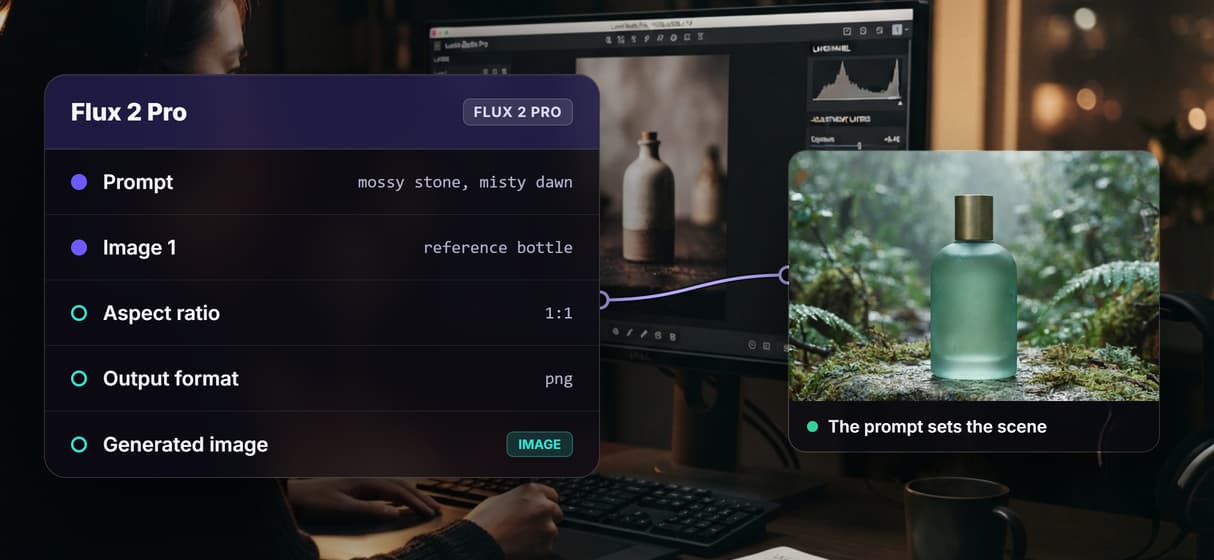
Feed a real product photo
Wire a reference image into the image node's Image 1 port so the render keeps your actual product's shape. Ideal for ecommerce images that must match the item.
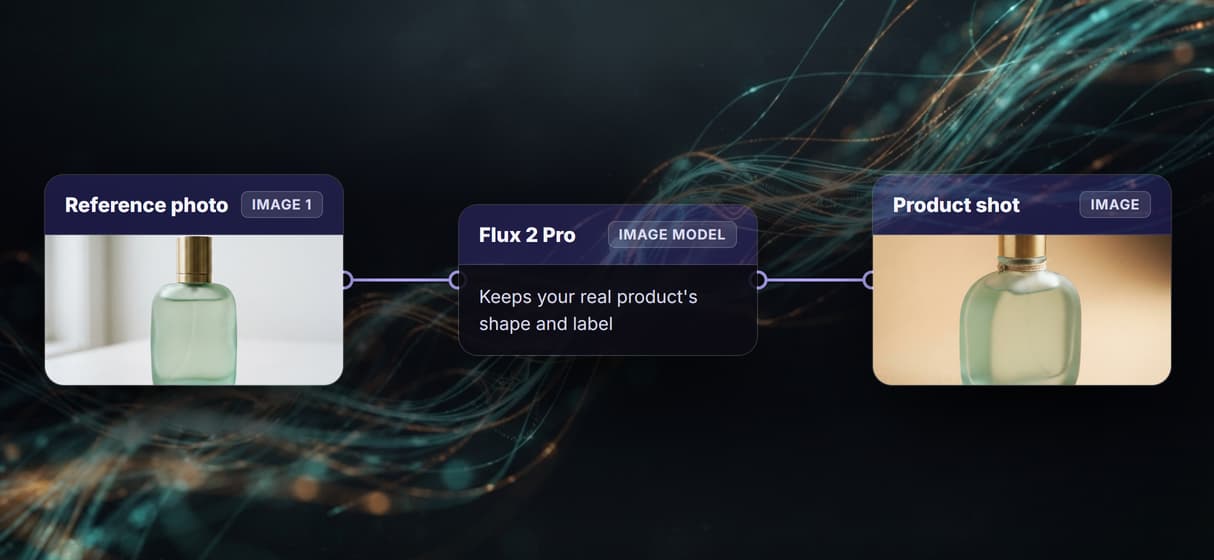
Swap the model per shot
Flux 2 Pro is wired by default, but the image node is a swap. Drop in Nano Banana or Seedream, or clean edges with a background remover pass.
Batch across a catalog
Publish the graph and loop it over a product feed so every row renders on brand. Chain a 4x image upscaler when a shot needs print resolution.
Product photography Workflows
No Code Required
API & Batch Processing
FAQs
It creates photorealistic product photos from a written prompt instead of a studio shoot. On Wireflow a text prompt feeds a Flux 2 Pro image node that renders the shot on hosted compute.
More From Wireflow
Written by
Andrew Adams · Co-Founder & Operations at Wireflow
Runs client operations and content strategy at Wireflow. Works directly with creative teams and agencies to build production AI workflows.
Render your first product photo
Write a short prompt describing the product and scene, and let Flux 2 Pro render a photorealistic product photo on the canvas. Swap the model, feed a reference image, or add an upscaler when a shot needs it. No studio, no GPU.