 Andrew Adams · Co-Founder & Operations at Wireflow ·
 AI Instagram Reel
Turn a text prompt into a vertical Instagram Reel: Wireflow renders a 9:16 still frame, then animates it with a swappable Kling video node on a visual canvas.
Free to build · no credit card
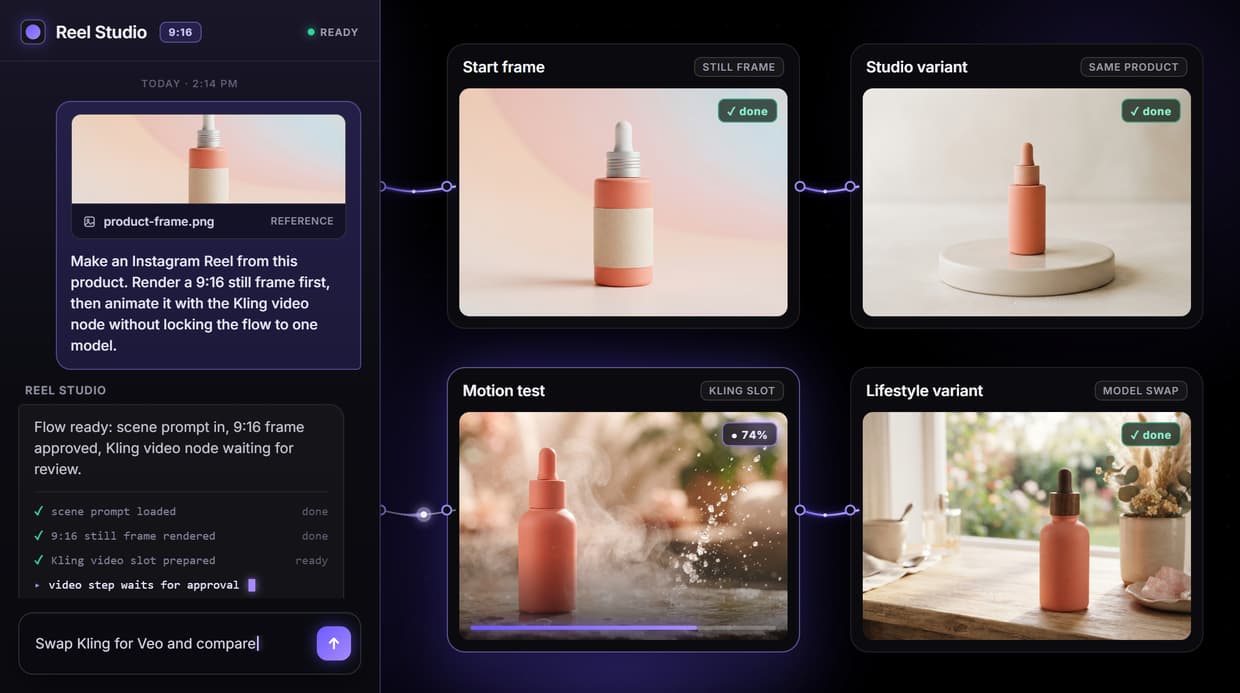
How the AI Instagram Reel flow works
An AI Instagram Reel is a short vertical video built from a text prompt instead of filmed footage. On Wireflow the process is three visible nodes on a canvas: a Scene Prompt holds your idea, a Still Frame Generator renders a 2K 9:16 anchor image, and a Kling video node animates that frame into a 9:16 clip. You draw the connections, approve the frame, then run the video step, so nothing is a single opaque button.
Rendering the frame first is the point. You confirm the subject, lighting, and composition on a still image before spending credits on motion, the same pattern as any animate image chain. If the frame is wrong, you fix the prompt cheaply; if it is right, the video node has a clean starting point.
What the reel flow contains
Scene Prompt
One text node describes the subject, motion, and framing before any model runs.
Still Frame Generator
The image node renders a 2K 9:16 anchor frame you approve before video.
Kling Video
The wired video node animates the approved frame into a 9:16 vertical clip.
Vertical output
Frame and video nodes share the 9:16 aspect, matching Instagram Reels exactly.
Model swaps
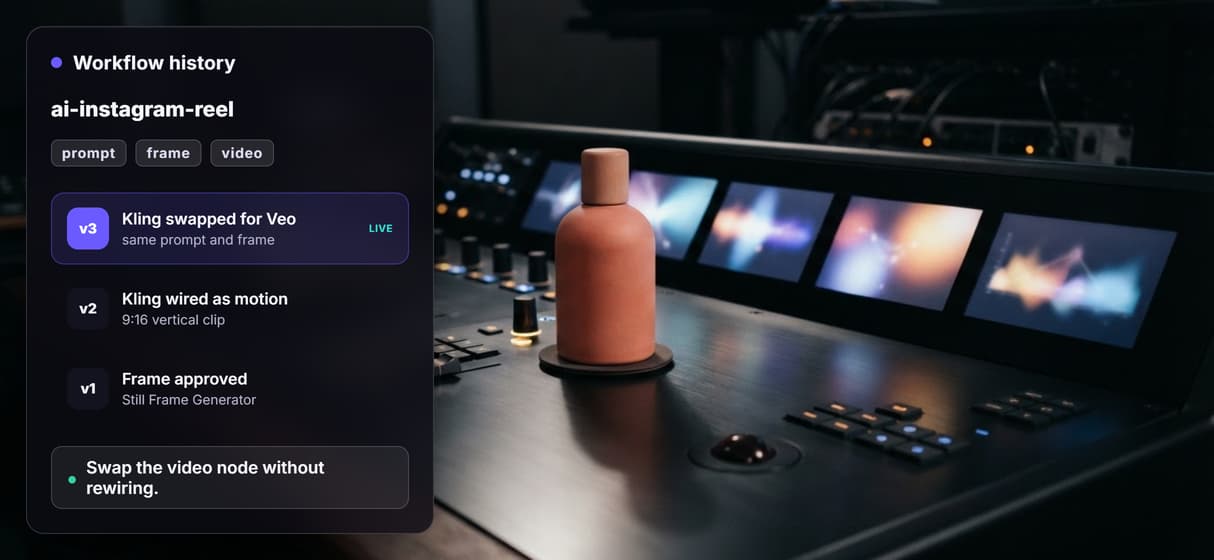
Veo, Seedance, or Wan can replace Kling in the motion slot without rewiring.
Clean export
Wireflow does not stamp a watermark on the exported reel, so it posts as is.
Why the video model is a swappable slot
Video models change fast. One month the best pick is smooth motion, the next it is character consistency, cost, or availability. In this flow Kling Video is wired as the motion node, but it is a slot: you can drop in Veo, Seedance, or Wan and the Scene Prompt and Still Frame Generator ahead of it stay exactly the same. The swap is a single node edit, not a rebuild.
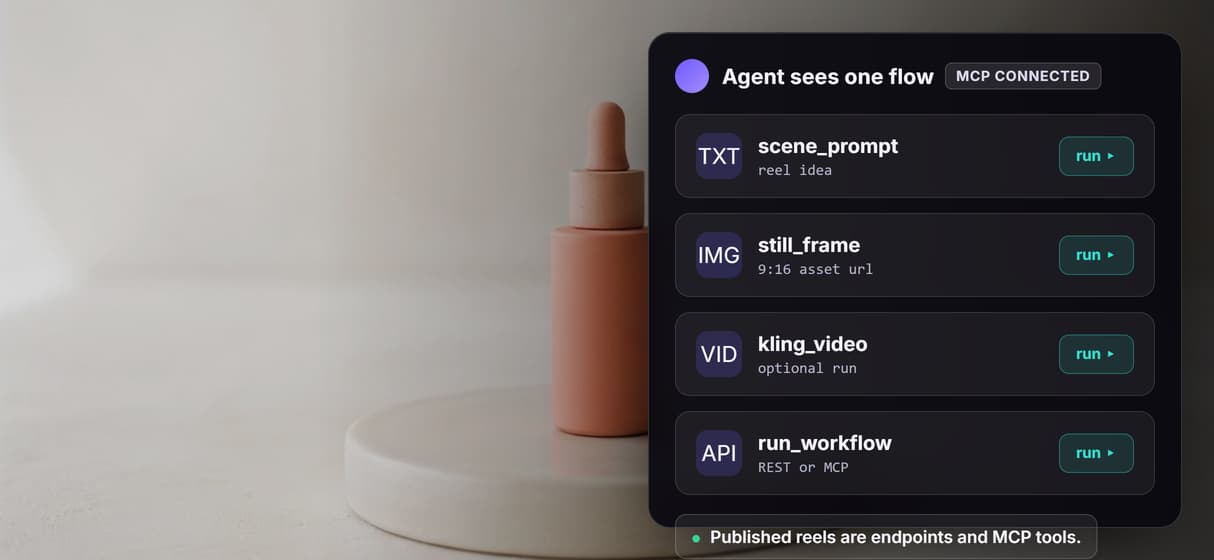
That is the difference between a canvas and a one-shot generator. The reel is a graph you keep, so a video model upgrade next quarter is a node change, and the same saved AI video pipeline can be re-run with fresh prompts or called from code as a REST endpoint and an MCP tool.
When a single app is simpler
If you need one quick clip from a video model you already have open, that model's own app is probably faster. Building a Wireflow graph adds a canvas, and a canvas earns its keep only when the work repeats. For a single one-off render, the extra structure is overhead you do not need.
The flow pays off when reels are a production system: a scene prompt you can rewrite, a frame you approve, a video model you can swap, and a saved pipeline you re-run for the next post. That is the wedge for creators and brands shipping reels every week, not just trying the next model tab, and it is why an AI video generator built as a graph outlasts any single model.
More Than Just AI Instagram Reel
Start from a text prompt
Describe the reel in one Scene Prompt node and the graph renders a matching still frame to animate. It runs as a text to video AI chain, no filming or timeline.
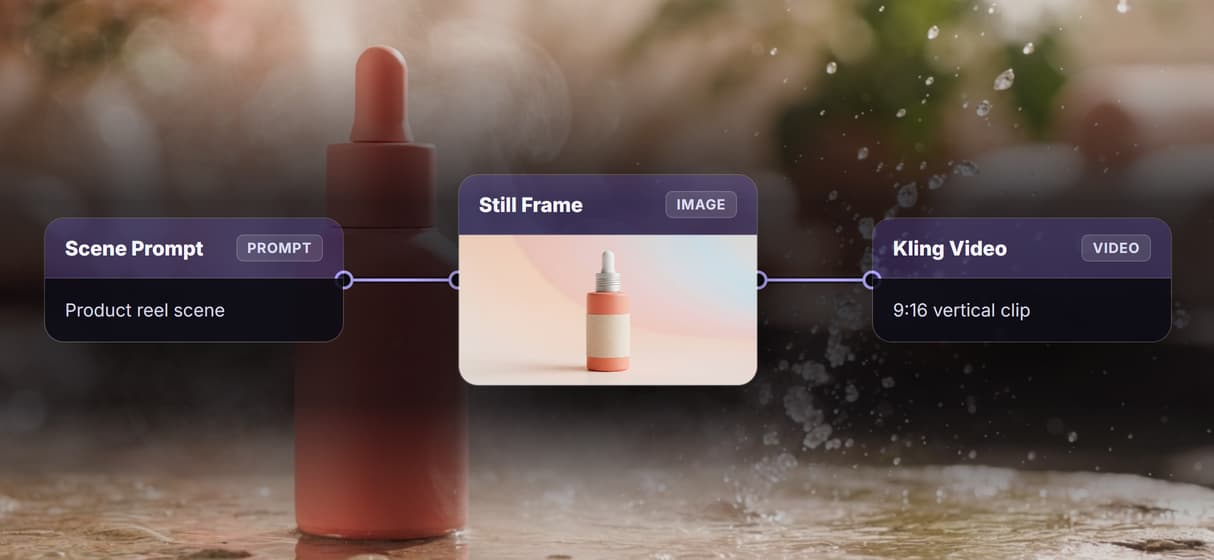
Approve the frame first
The Still Frame Generator makes a 2K 9:16 anchor image before motion runs, so you lock the look first. Reuse it like any AI image generator output.
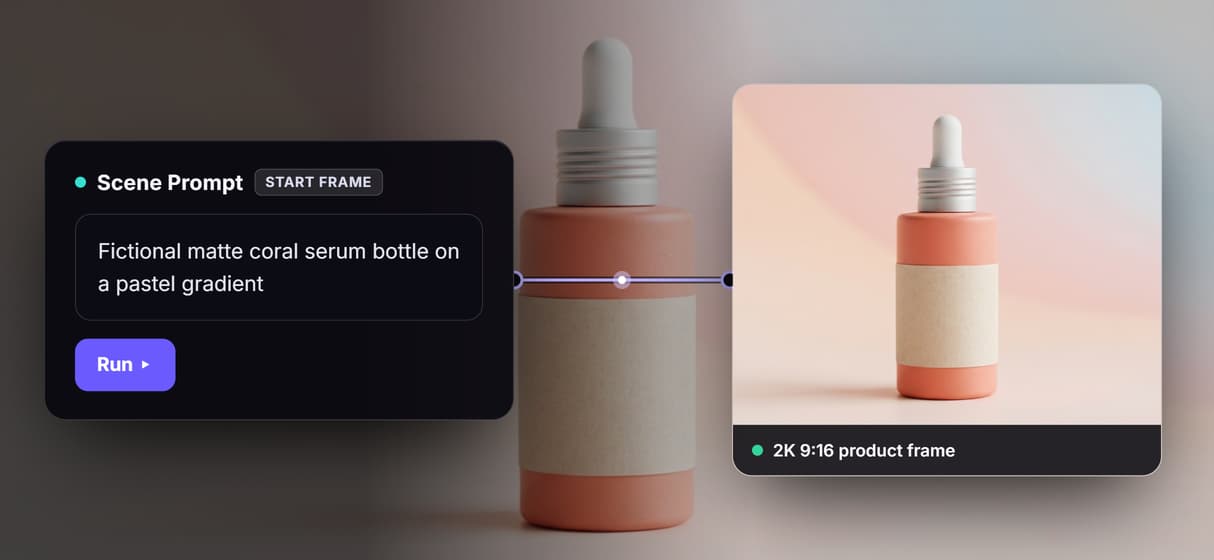
Vertical Reels output
Every clip renders in 9:16 to match Reels specs, and the frame and video nodes share that aspect so nothing crops. Post the AI animated video to feed.
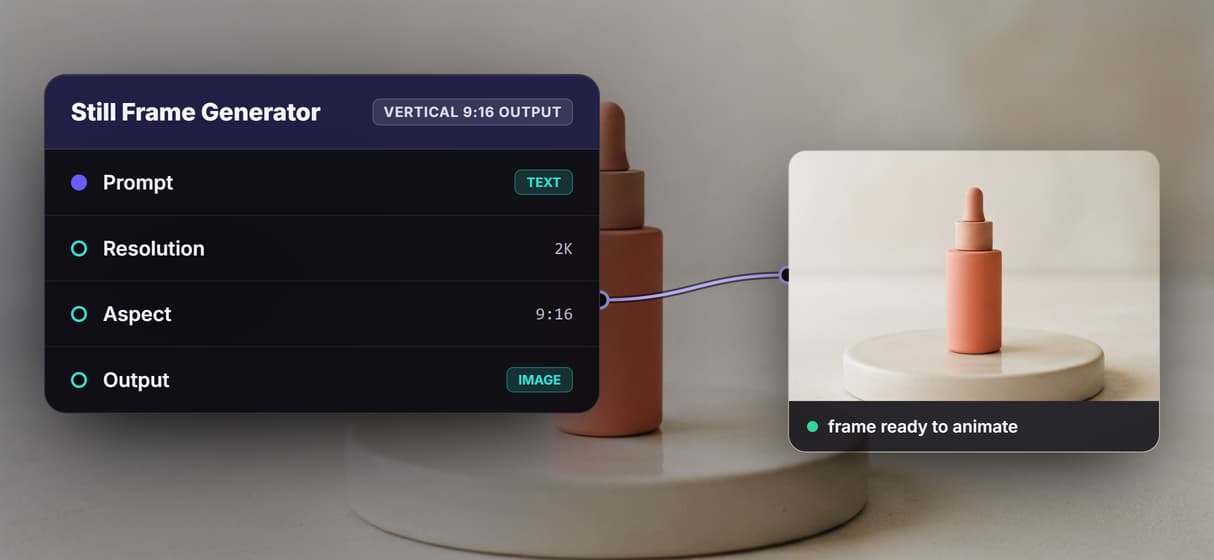
Swap the video model
Kling Video sits in the motion slot. Trade it for Veo, Seedance, or Wan when a different look wins, the way you swap in Kling Video 3, without rewiring.
Reuse the whole pipeline
Save the graph and re-run it with new prompts for a fresh reel each time. The same reusable AI video pipeline also runs as a REST endpoint.
AI Models Available
Automate Any Workflow
Included in Every Plan
FAQs
It generates a short vertical video from a text prompt instead of filmed footage. On Wireflow you describe the scene, render a 9:16 still frame, then animate that frame into a reel with a video node.
Written by
Andrew Adams · Co-Founder & Operations at Wireflow
Runs client operations and content strategy at Wireflow. Works directly with creative teams and agencies to build production AI workflows.
Open the AI Instagram Reel flow
Start from the live graph: a Scene Prompt, a 2K 9:16 Still Frame Generator, and a Kling video node that animates the frame into a vertical reel. Approve the frame, then run the video step.