 Andrew Adams · Co-Founder & Operations at Wireflow ·
 AI Anime Avatar Creator
Upload a photo and a style prompt, and a Nano Banana 2 node regenerates it as an anime avatar on a visual canvas.
Swap the model, chain an upscaler, or add a video node in the same graph. Building it is free, and each run spends credits.
Free to build · no credit card
Turn a selfie into an anime avatar without drawing it
Making an anime avatar the manual way means illustration skills or hours in drawing software, tracing a face, matching a style, and shading it by hand. An AI anime avatar creator skips that. You give it a photo and a description of the anime look you want, and the model returns a styled portrait in one run, keeping your face recognizable.
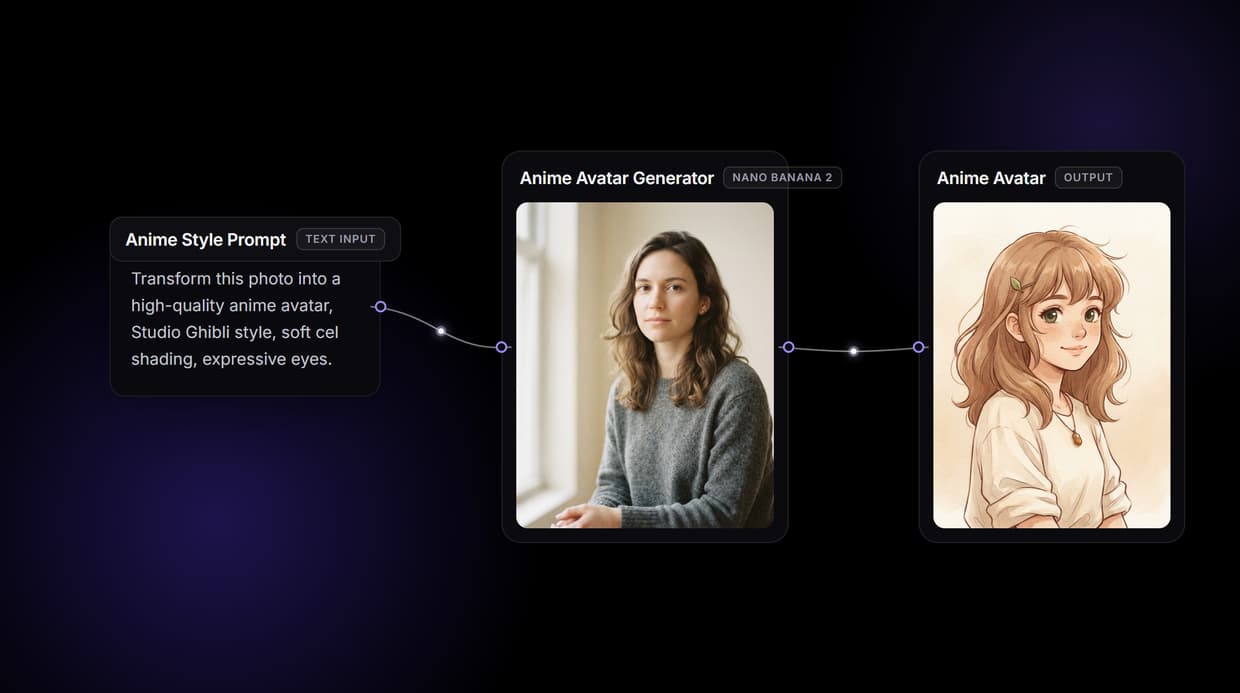
On Wireflow that creator is a node on a visual canvas. A photo node and a text prompt both feed a Nano Banana 2 node, and it returns an anime version of the image. Change the prompt and rerun, swap the model, or wire the result into an upscaler or a video node in the same graph.
What the anime avatar graph gives you
Photo plus prompt in
Upload a photo and type the anime style; the node reads both together.
One-node model swap
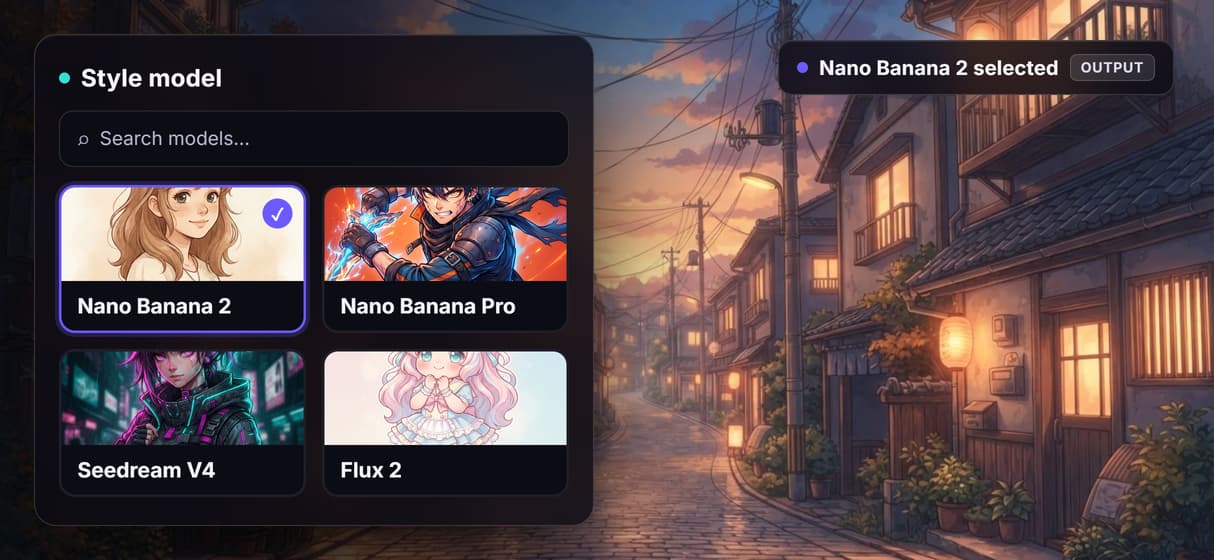
Swap Nano Banana 2 for Nano Banana Pro, Seedream V4, or Flux 2.
Text-only characters
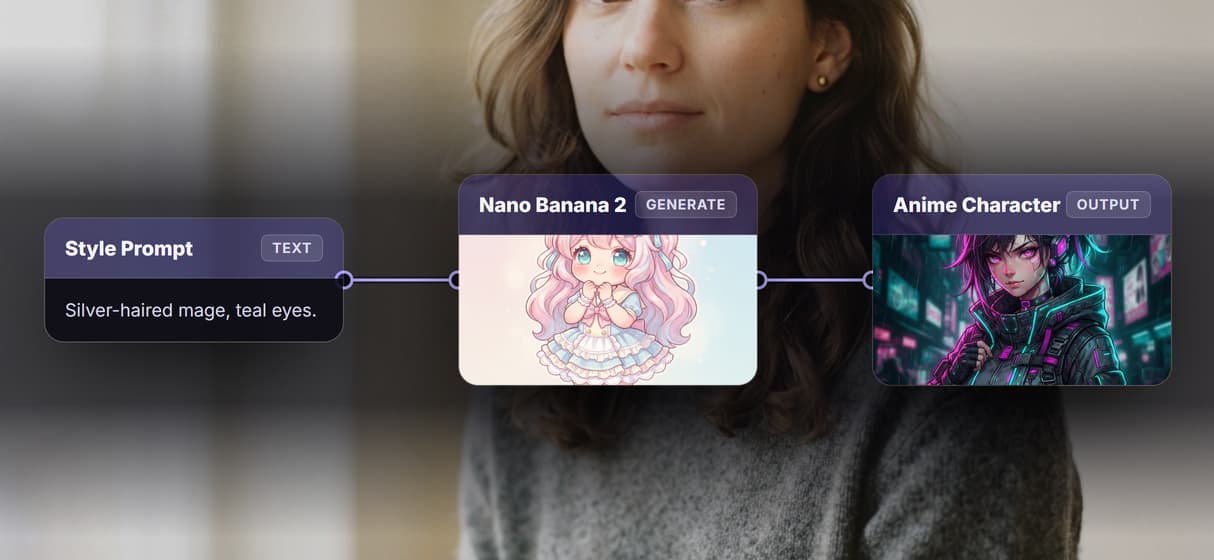
Drop the photo and generate an original anime character from words.
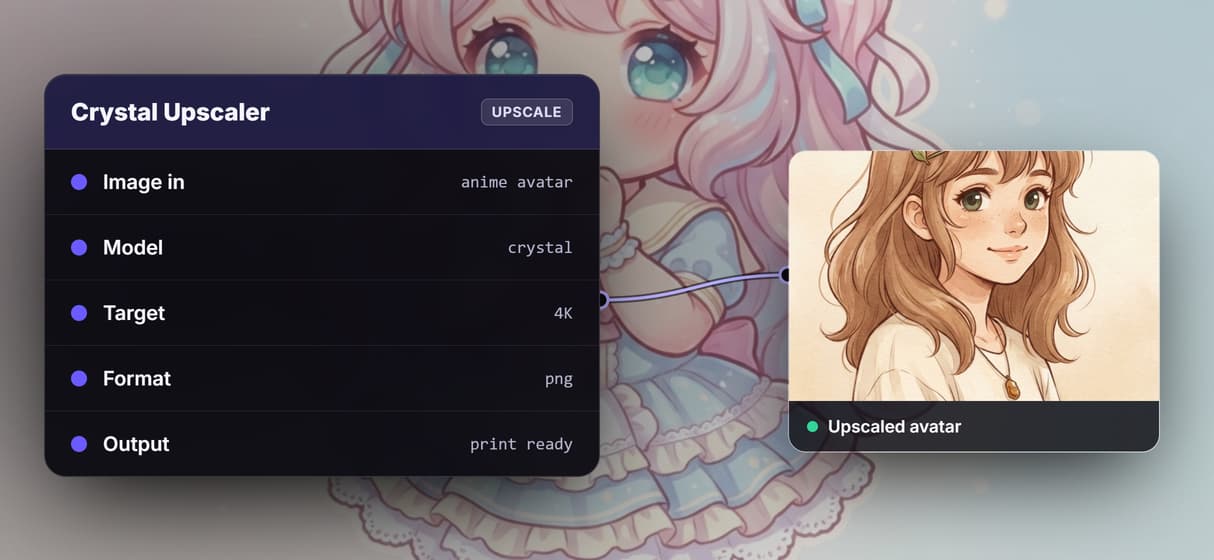
Upscale for print
Add a Crystal or Topaz upscaler to rebuild the avatar at higher resolution.
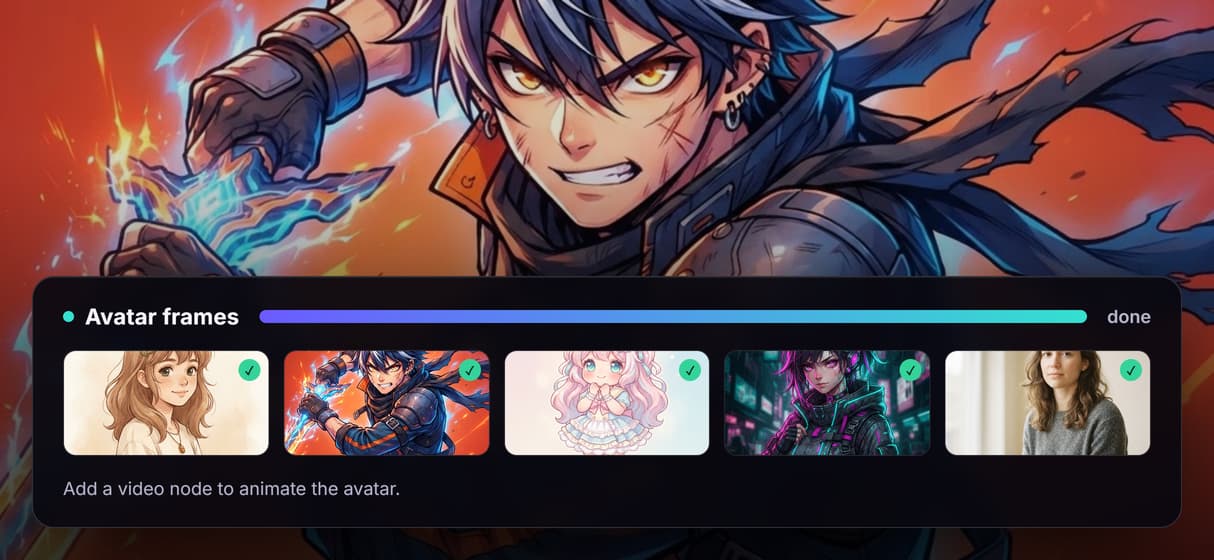
Animate the avatar
Add a video node like Kling or Seedance to add motion or lip-sync.
REST and MCP access
Every published graph is a REST endpoint and an MCP tool.
How this anime avatar workflow is wired
The workflow on this page is a short chain on one canvas. A photo node holds your uploaded image, a text node holds the anime style description, and both feed a Nano Banana 2 node that regenerates the picture in that style. One photo and one prompt in, one anime image out. The model reads the photo and the words together, so it maps your features into anime proportions rather than pasting a flat filter over the shot.
Because it is a graph, you can rearrange it. Swap Nano Banana 2 for Nano Banana Pro, Seedream V4, or Flux 2 on the same wire, add a Crystal Upscaler downstream for higher resolution, or add a video node when you want to animate the avatar. Publish the graph once and it reruns from a click, a REST call, or an agent.
What it does, and what it does not
This is generative styling, not a one-tap filter. Nano Banana 2 re-renders the image guided by your photo and prompt, so your face stays recognizable but is not pixel-identical, and there is no brush, no layers, and no hand-drawn linework. It also does not reproduce a specific copyrighted anime character or franchise; it generates an original character in the style you describe.
Wireflow runs in the browser on hosted compute, so there is no GPU, CUDA, or local model to install, and it exports raster PNG or JPG rather than editable PSD or vector files. Each model carries its own license, so check it before commercial use. Building and wiring the graph is free. Each generation run spends credits, and paid plans start at 24 dollars per month.
More Than Just AI Anime Avatar Creator
Keep your face, gain the style
Nano Banana 2 restyles your photo as anime while your features stay recognizable. Start from a base on the AI face generator.
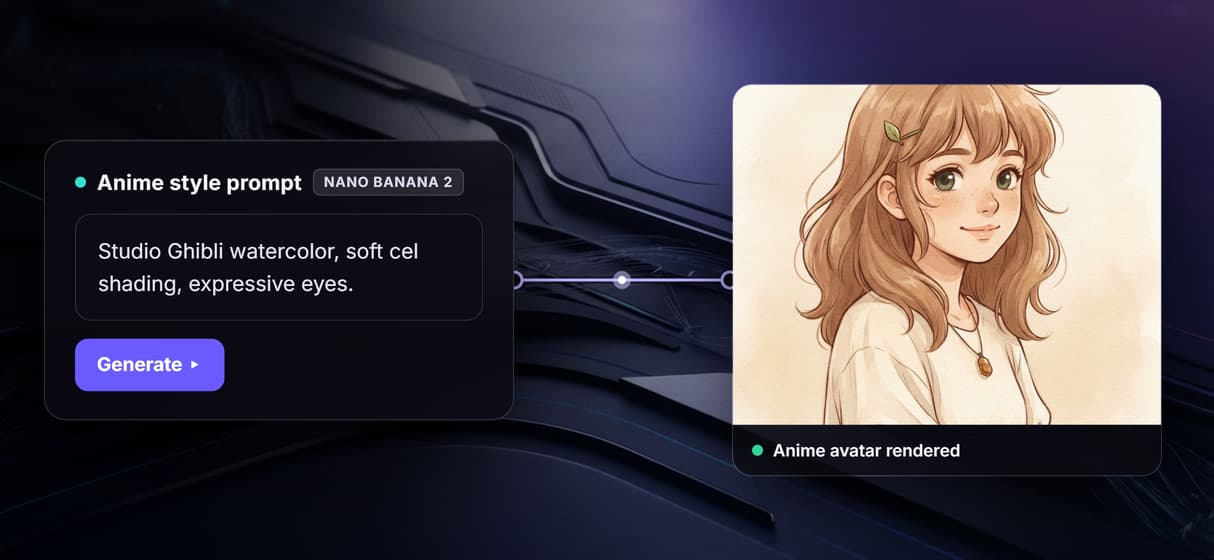
Switch anime styles in a prompt
Change one line to move between Ghibli, shonen, chibi, or cyberpunk looks. Explore non-anime styles on the AI art generator.
Make a character from text
Skip the photo and describe hair, outfit, and mood for an original anime character. Render clean bases on the AI photo generator.
Export it at print resolution
Wire the avatar into an upscaler node to rebuild it up to 4K for prints or banners. Sharpen detail on the AI image upscaler.
Bring the avatar to life
Add a video node after the image to give your anime avatar motion or lip-sync. Learn the moves on the AI image animator.
Anime avatar creator Workflows
No Code Required
API & Batch Processing
FAQs
You upload a photo and describe the anime style you want. An image model reads the photo and the prompt together, then regenerates the picture as an anime portrait, keeping your face shape, hair, and features recognizable in the styled result.
More From Wireflow
Written by
Andrew Adams · Co-Founder & Operations at Wireflow
Runs client operations and content strategy at Wireflow. Works directly with creative teams and agencies to build production AI workflows.
Create your anime avatar
Upload a photo or describe a character, pick an anime style, and render an avatar on a visual canvas. Swap the model, upscale for print, or animate it in the same graph. Build it free and run it when you are ready.